


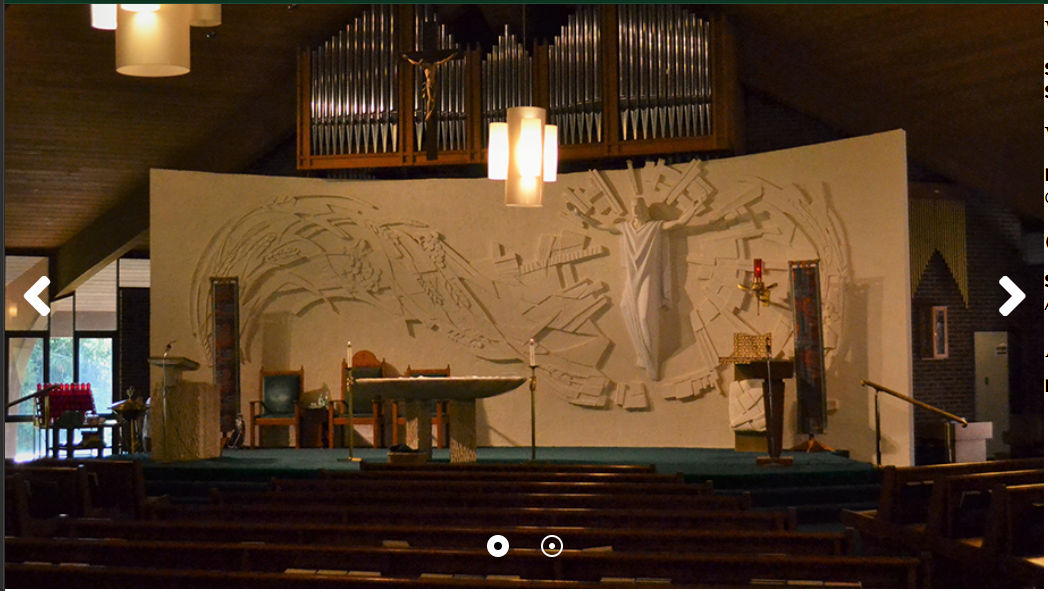
The default studius swiper code. Fixes ratio and scaling issues.
studius-swiper
classes below require particle.css
studius-swiper round-swiper-buttons modern-dots
/* 1. Establish the Aspect Ratio on the Container */
.studius-swiper .g-swiper {
 --swiper-aspect-ratio: 16 / 9;
 /* Adjust this ratio as needed */
 width: 100% !important;
 max-width: 100%;
}

/* 2. Force the Wrapper to respect the ratio and stop growing */
.studius-swiper .swiper-wrapper {
 height: auto !important;
 /* Overrides the inline VW height */
 aspect-ratio: var(--swiper-aspect-ratio);
 max-height: 80vh;
 /* Keeps it from swallowing the screen on ultrawide monitors */
}

/* 3. Center and Cover the Images */
.studius-swiper .swiper-slide img {
 width: 100% !important;
 height: 100% !important;
 object-fit: cover !important;
 /* Crops image to fill area without distortion */
 object-position: center !important;
 /* Centers the crop */
 display: block;
}

/* 4. Fix Navigation Button Alignment */
/* We target Gantry's specific navigation classes */
.studius-swiper [class^="swiper-button-next-"],
.studius-swiper [class^="swiper-button-prev-"] {
 top: 50% !important;
 transform: translateY(-50%) !important;
 bottom: auto !important;
 display: flex !important;
 align-items: center;
 justify-content: center;
 transition: all 0.3s ease;
}

/* 5. Cleanup slide internal wrappers */
.studius-swiper .swiper-slide,
.studius-swiper .slide,
.studius-swiper .slide-content-wrapper {
 height: 100% !important;
}
Round Swiper Buttons
.round-swiper-buttons .swiper-navigation > div[class*="swiper-button"] {
 width: 50px;
 height: 50px;
 border-radius: 50%;
 background-color: rgba(0, 0, 0, 0.35);
 box-shadow: 0 2px 4px rgba(0, 0, 0, 0.2);
 border: none;
 transition: all 0.3s ease;
 border: 1px solid rgba(255, 255, 255, 0.5);
 }

 .round-swiper-buttons .swiper-navigation > div[class*="swiper-button"]:hover {
 background-color: rgba(0, 0, 0, 0.75);
 border: 1px solid rgba(255, 255, 255, 0.75);
 transition: all 0.5s ease;
 }

 .round-swiper-buttons .swiper-navigation > div[class*="swiper-button"] > i {
 color: white;
 font-size: 24px;
 line-height: 1;
 display: block;
 text-align: center;
 }
Modern Dots
.modern-dots .g-swiper.swiper-container-horizontal>.swiper-pagination-bullets .swiper-pagination-bullet, .g-swiper.swiper-container-vertical>.swiper-pagination-bullets .swiper-pagination-bullet {
 margin: 0;
}

.modern-dots .g-swiper.swiper-container-horizontal>.swiper-pagination-bullets {
 gap: 1rem;
 padding: 1rem;
}

.modern-dots .g-swiper.swiper-container-horizontal>.swiper-pagination-bullets .swiper-pagination-bullet::after, .g-swiper.swiper-container-vertical>.swiper-pagination-bullets .swiper-pagination-bullet::after {
 width: 12px;
 height: 12px;
 background-color: transparent;
}

.modern-dots .g-swiper.swiper-container-horizontal>.swiper-pagination-bullets .swiper-pagination-bullet-active::after, .g-swiper.swiper-container-vertical>.swiper-pagination-bullets .swiper-pagination-bullet-active::after {
 width: 12px;
 height: 12px;
 background-color: white;
}

.modern-dots .g-swiper.swiper-container-horizontal>.swiper-pagination-bullets .swiper-pagination-bullet-active, .g-swiper.swiper-container-vertical>.swiper-pagination-bullets .swiper-pagination-bullet-active {
 background: transparent;
}