


Users can be added manually or imported.
Use this spreadsheet to generate a user import .csv file: (usually used for new site trainings)
https://docs.google.com/spreadsheets/d/1xoP6LY6g8wRJZHgEGrNaa_CwJ4WGmQP0ybQ2PtvoL5E/edit#gid=0
The same spreadsheet can be used to generate a user import .csv file for email addresses.
Users are created in one of two groups, initially:
Basic Editor (or Manager) + a User Group specific to a category(ies) of articles
or
Admin
Registered might the default user group, but registered does not give a user access to the backend of the website.
Users should also be added to Email Lists Spreadsheet so Lori can input them into MailChimp.
If a user gets access to an entire category, that user group can be allowed all 6 settings:
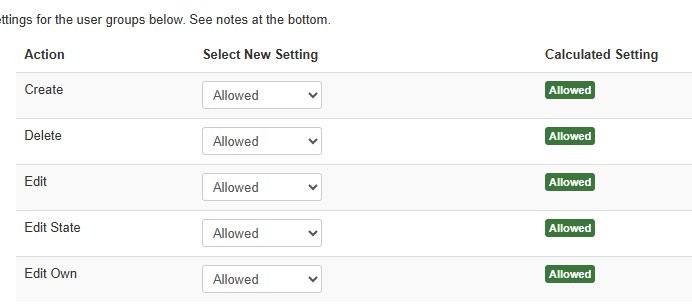
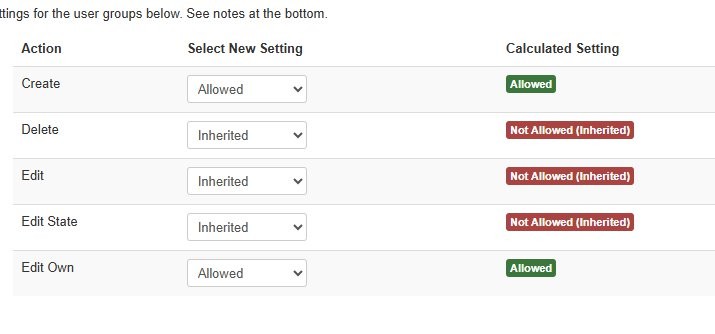
If a user gets access to only one or more articles in that category:
Then deny or allow access to each article in that category respectively.
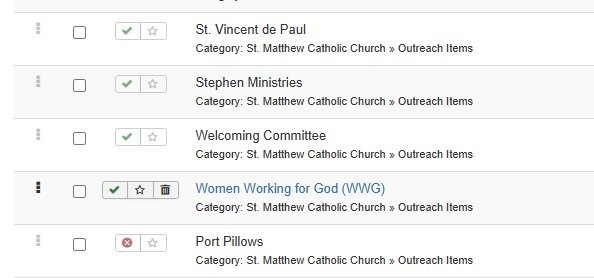
Then they should see other articles grayed out
How to create and set permissions for a user group
How to set up a registered section of the website