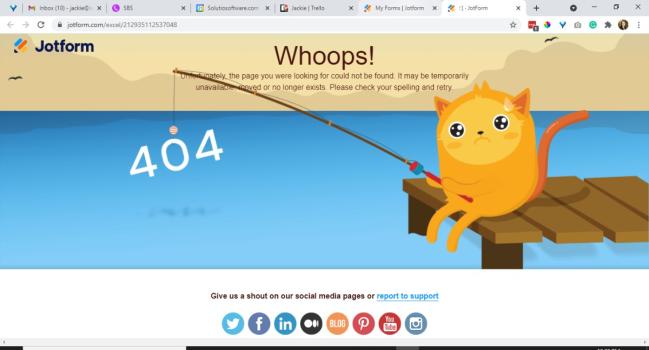
<h4 style="text-align: center;">St. Anthony, please come around. <br />This page is lost and cannot be found.</h4>
<p><img style="display: block; margin-left: auto; margin-right: auto;" src="https://solutio-sop.solutiosoftware.com/images/stories/prayinghands-black.png" /> </p>
<p style="text-align: center;">Please head back to the <a href="/home">homepage</a> and try again</p>
This should already be accomplished in the template import. But incase it is not, the information is still here.
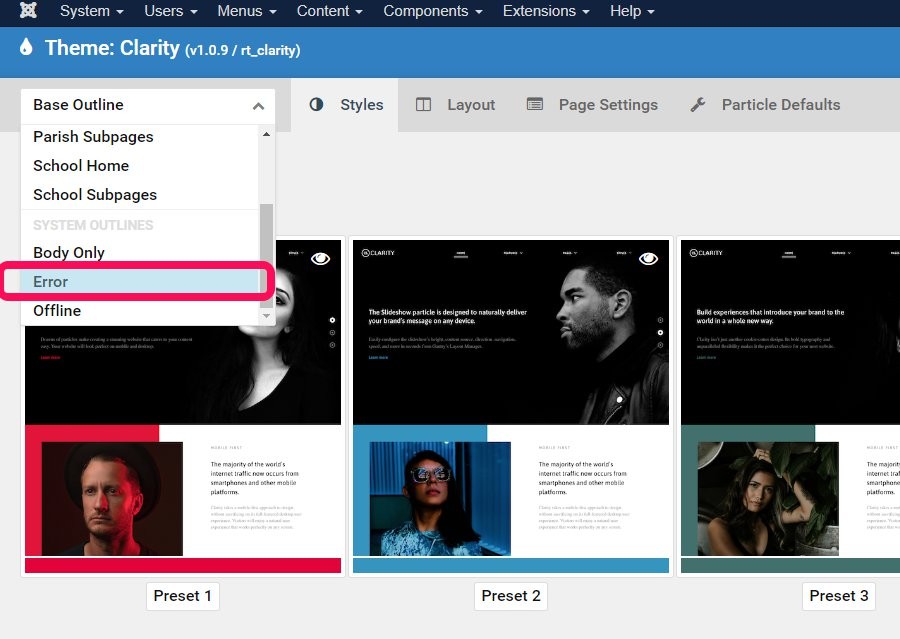
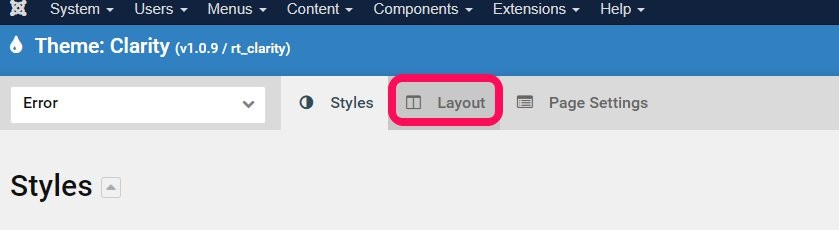
- Navigate to edit the Error Outline Layout
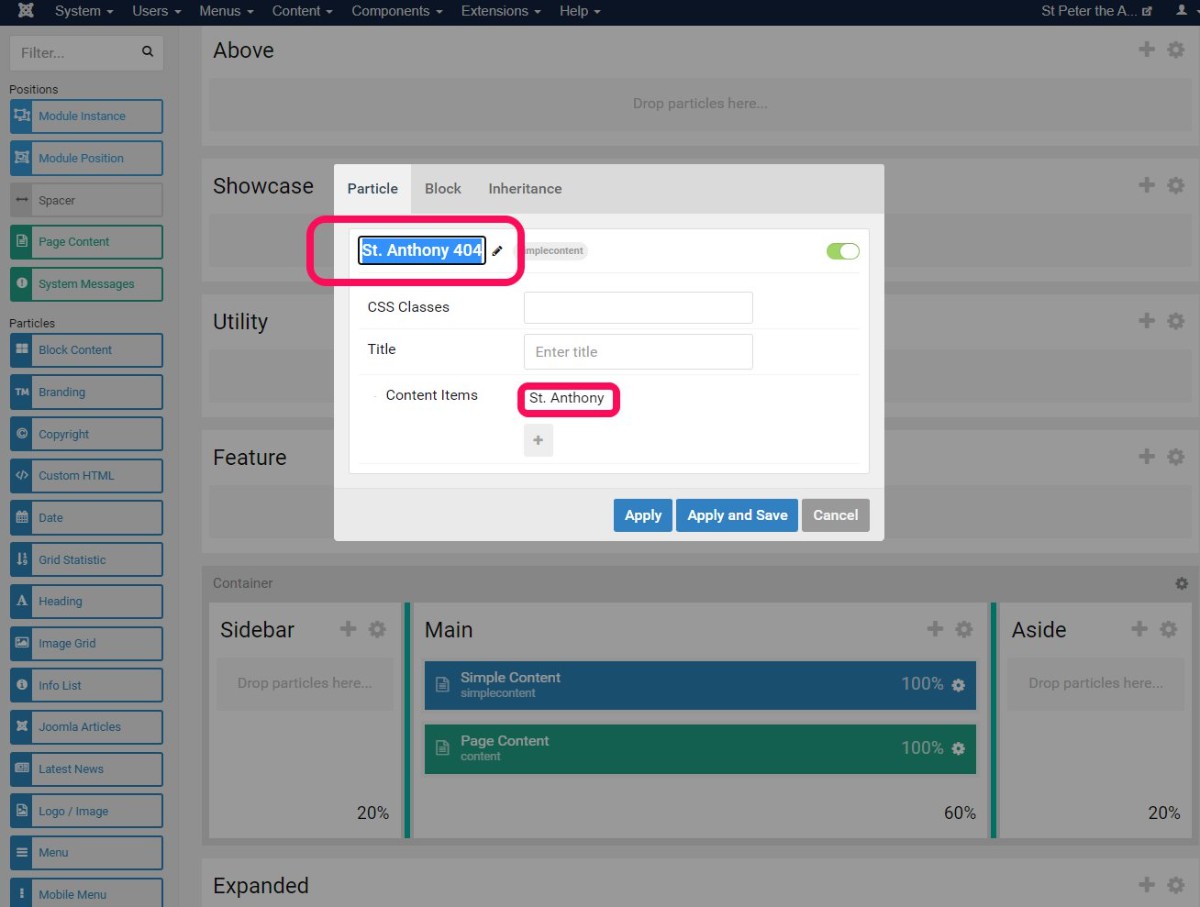
- Move the simple content particle to the Main container. Use the + button to add the second row in the container.
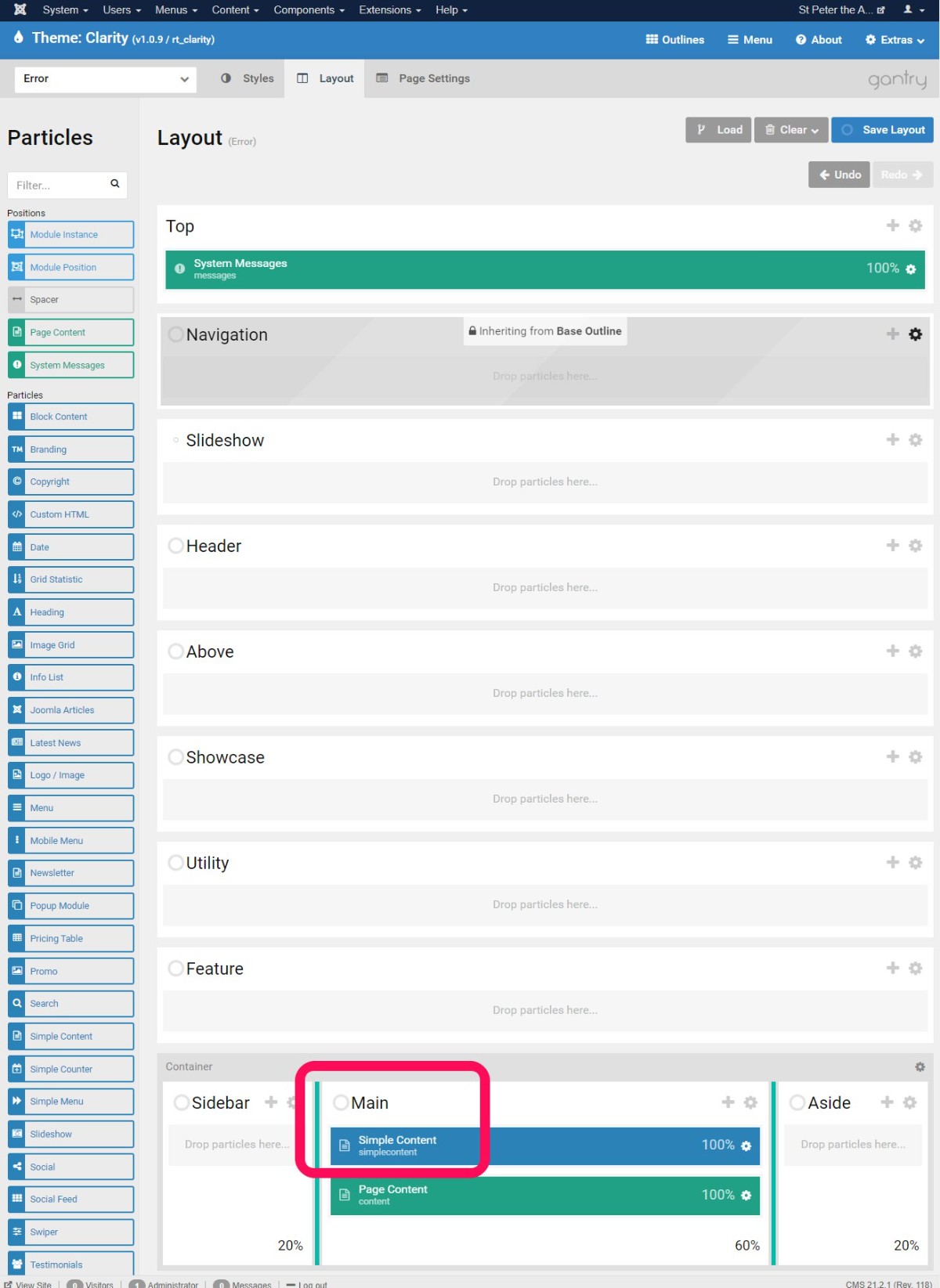
- For the top three containers and the bottom three containers of the outline, set the inheritance to either the Base Outline, or the Parish Subpages outline. In this instance parish subpages inherits top from Parish Home, so we set the same in the Error outline.
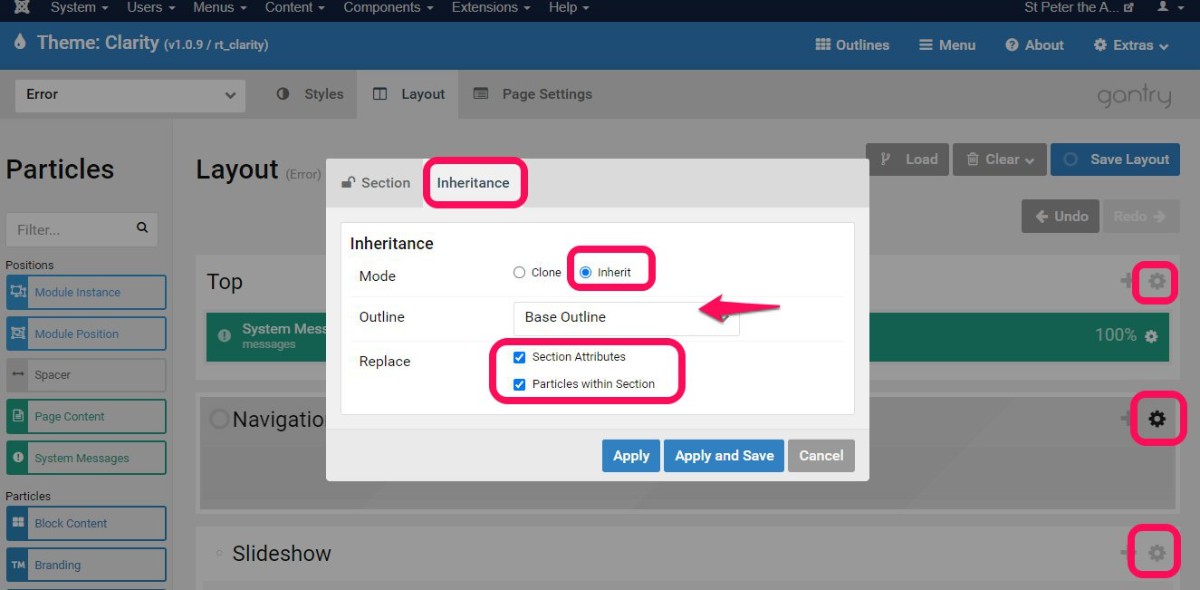
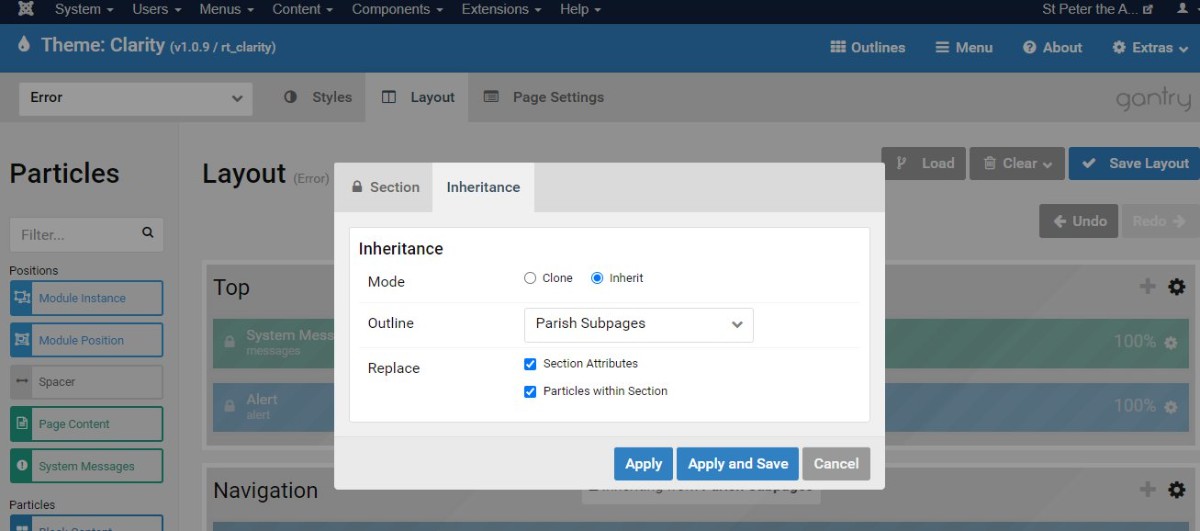
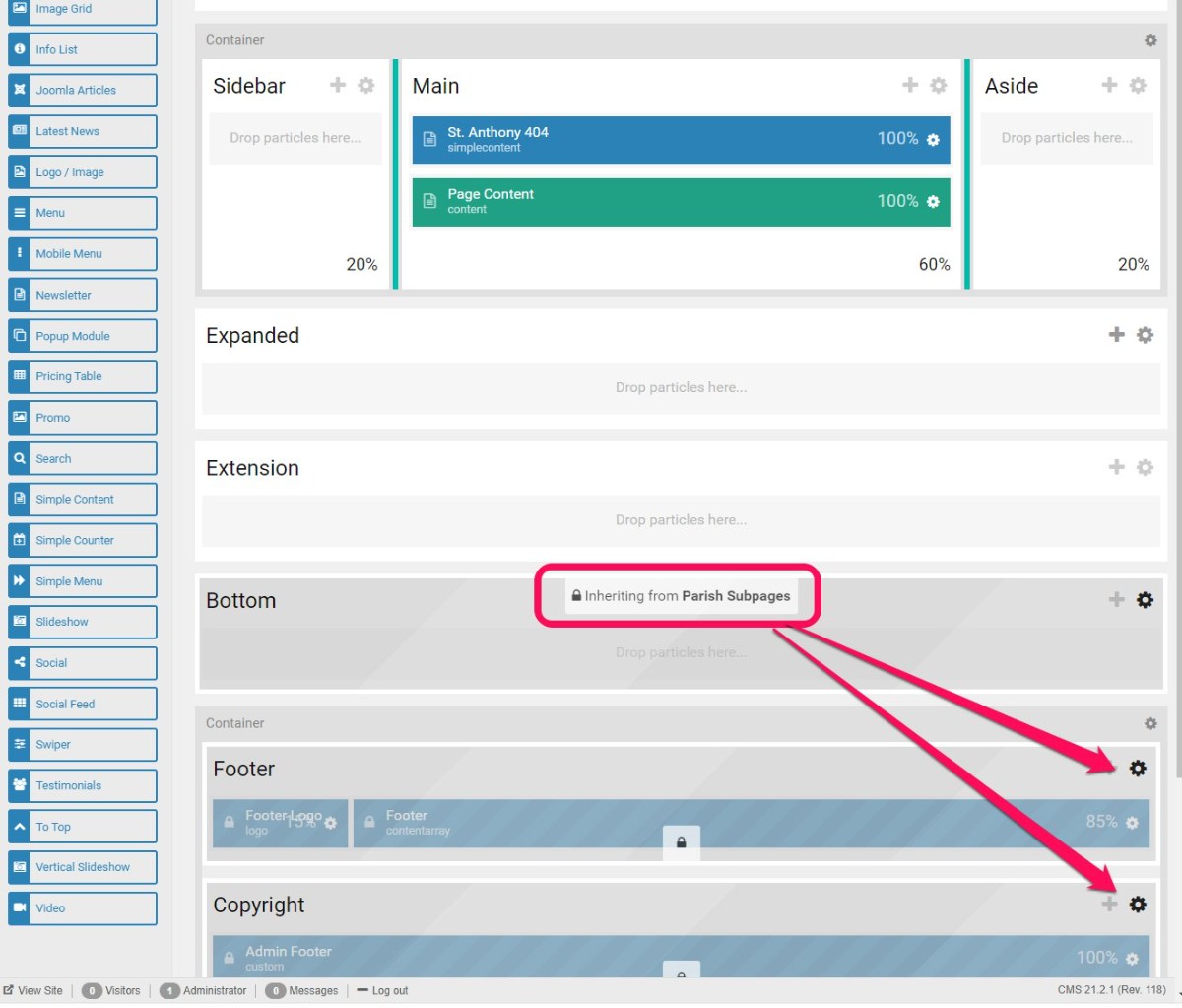
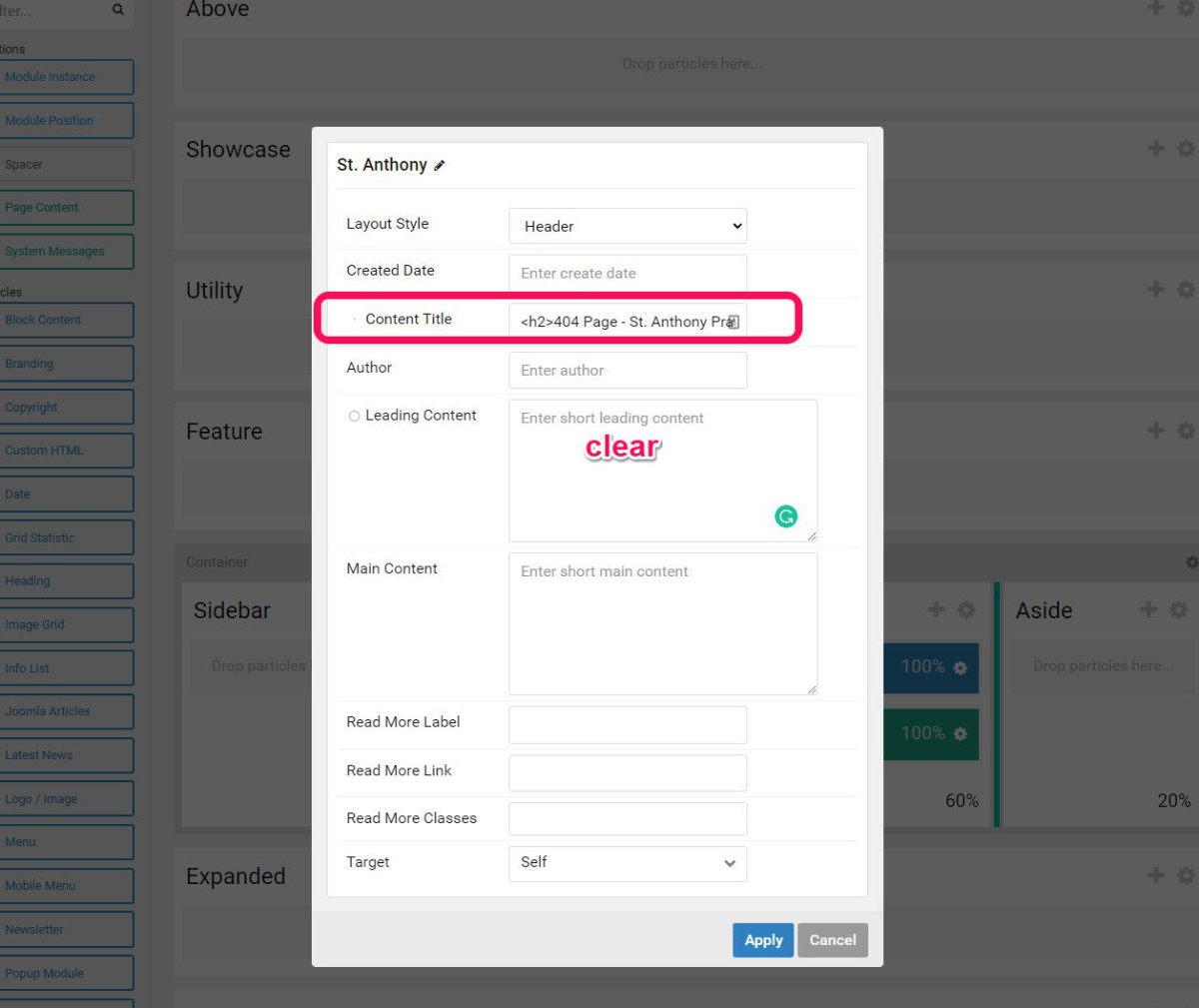
- Edit the Simple Content particle -- update the title be the 404 error noted below.
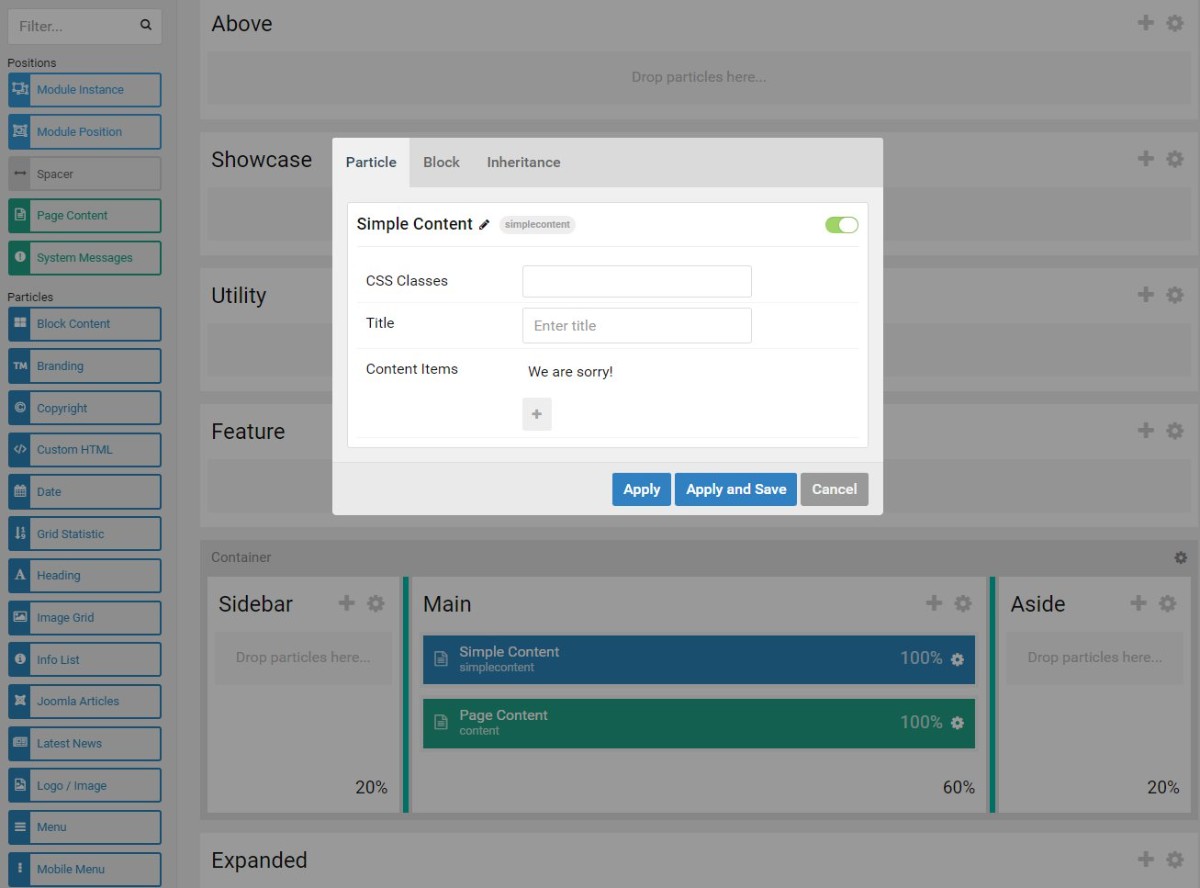
This is a gallery of error pages Jackie has taken screenshots of...