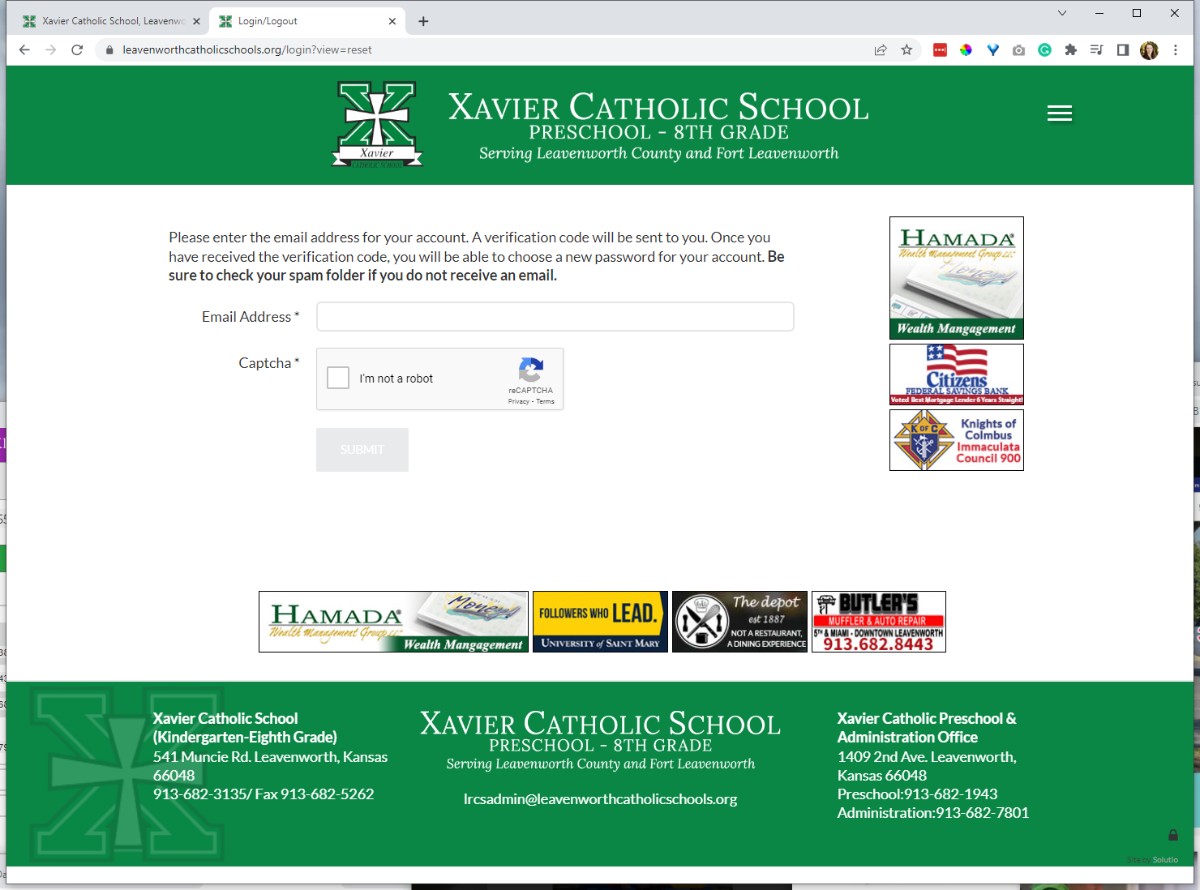
1. Go to the https://www.google.com/recaptcha/about/ in an incognito window
2. Make sure you log into the This email address is being protected from spambots. You need JavaScript enabled to view it. account
3. Click the Get started button or try this link: https://www.google.com/recaptcha/admin/create
4. Fill out the reCAPTCHA fields
- We use v2 checkbox
- add all apex domains to the domains section as well as the site code domain
- You can find domains associated with a site under the components menu under domain manager
- You do not need to add sub domains (except the site code one) add example.com but not school.example.com
- Put all reCAPTCHA Keys into the ReCAPTCHA Keys Google Cloud project
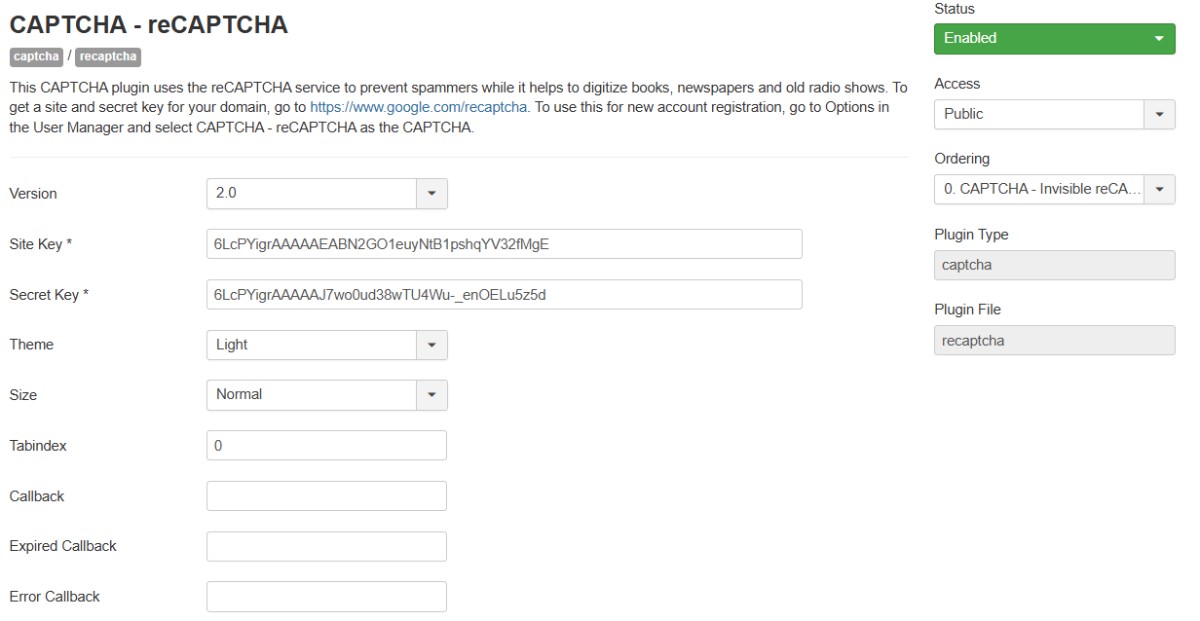
5. Copy the Site key and Secret Key into the ReCAPTCHA plugin on the control panel, enable the plugin and set it to 2.0
This will allow clients to reset their own passwords:
Must have an email address in the From Email Mail Settings in the Site Config for this work
test this by visiting /login
Does the "I'm Not a robot" appear when viewing the password reset screen?