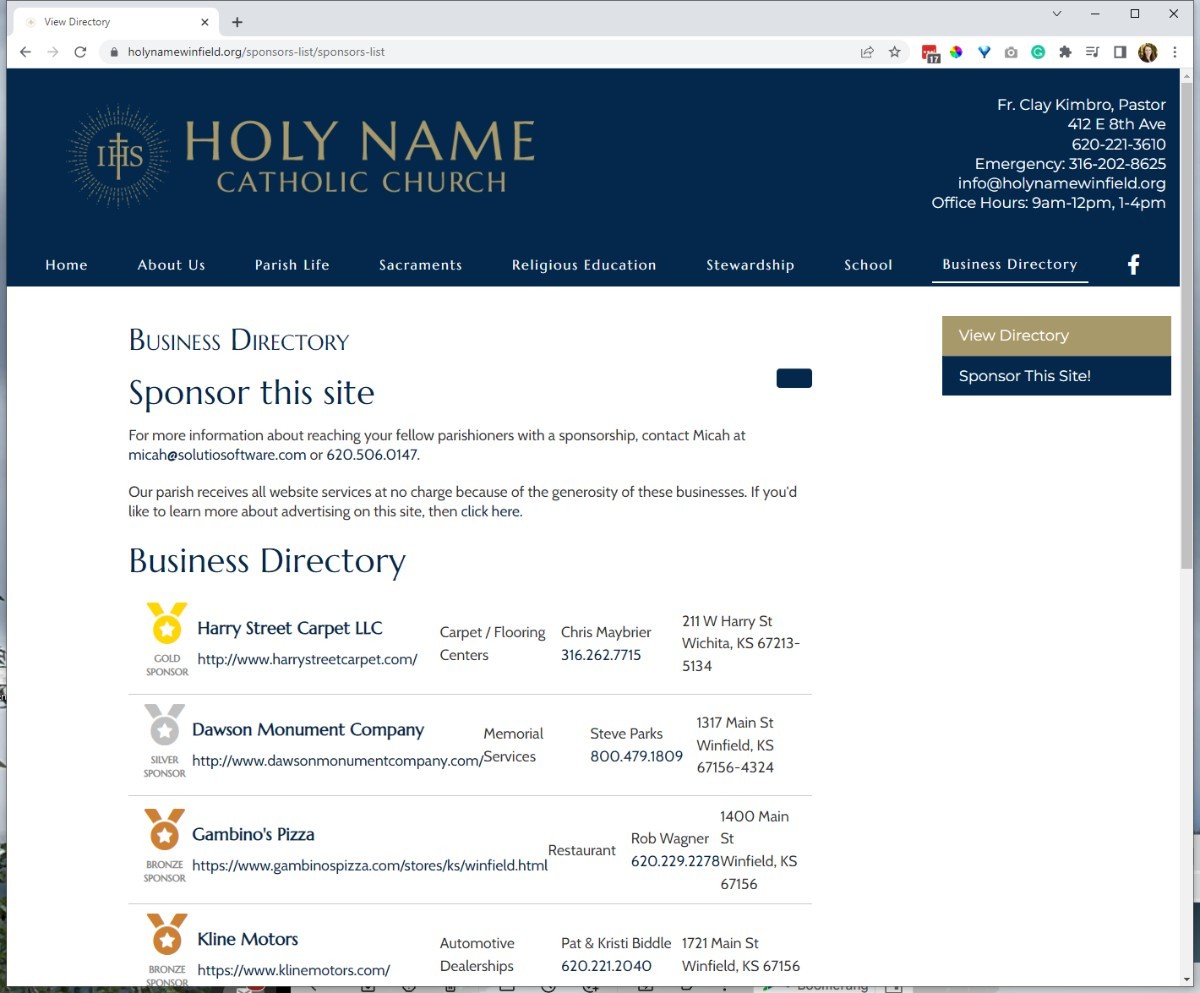
NOTE:
URL of this page MUST be:
/sponsors-list/sponsors-list and /sponsors-list/sponsor-this-site
If the URL, is different, you can update and make changes in Menu Manager.
Updating the Site Code
1) Log into the client's SBS project. Copy the Directory Passcode. Directory passcode is at the top of the project page. See image for reference: 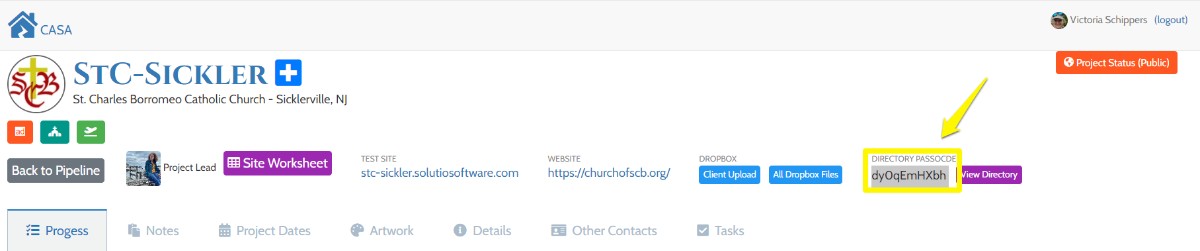
2) Make sure you are in Editor-CodeMirror.
3) From the control panel go to Article Manager and search for the article titled "Business Directory". You should see the code below in the article.
<div id="bizdirectory"><h2>Directory is loading.</h2></div>
<script>getBizDirectoryDos('SITEPASSCODEGOESHERE');</script>
4) Paste in site Passcode into the scrip. Make sure to include '. Save and close
NOTE:
If you do not edit in code mirror, characters will be added and break the script. See example below.
<div id="bizdirectory">
<h2>Directory is loading.</h2>
</div>
<script>// <![CDATA[
getBizDirectoryDos('9ngrssad7J');
// ]]></script>
Make sure there are NO Side Menu on this page