

-
Articles

- Page Content (Menu Item Needed)
Tech Soup & Google Workspace
- Details
- Jackie Riddel

Google Workspace (used to be called GSuite) Application
- Open an Incognito browser and login to Customer’s calendar email. https://accounts.google.com/signin
- Open another Tab, and login to “Tech Soup”. https://www.techsoup.org/
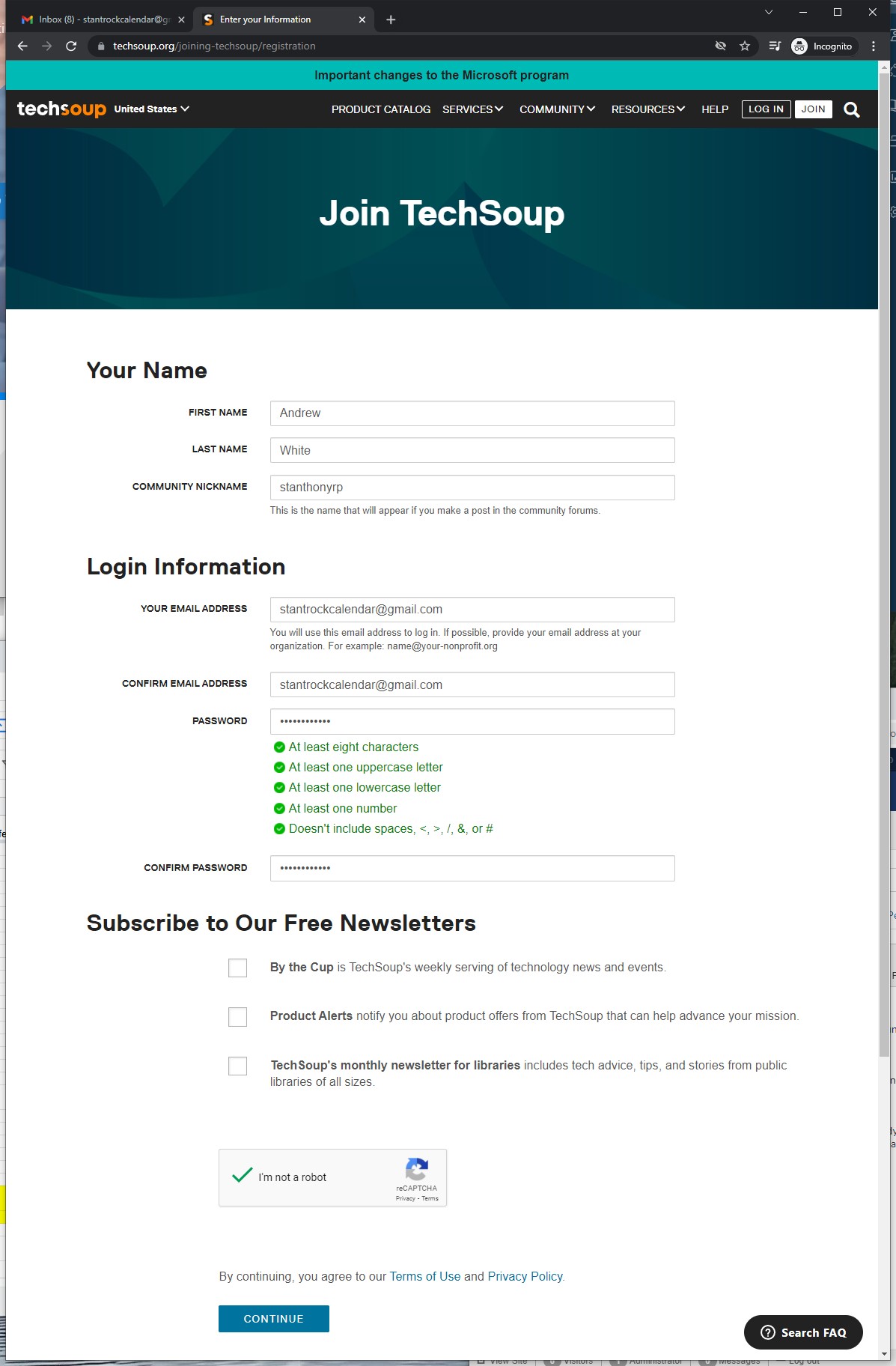
- Create Tech Soup account (Use the same login and password as google account - noting security questions and answer in column E of spreadsheet. Also use the name of the person contacted for name)
- Join -->
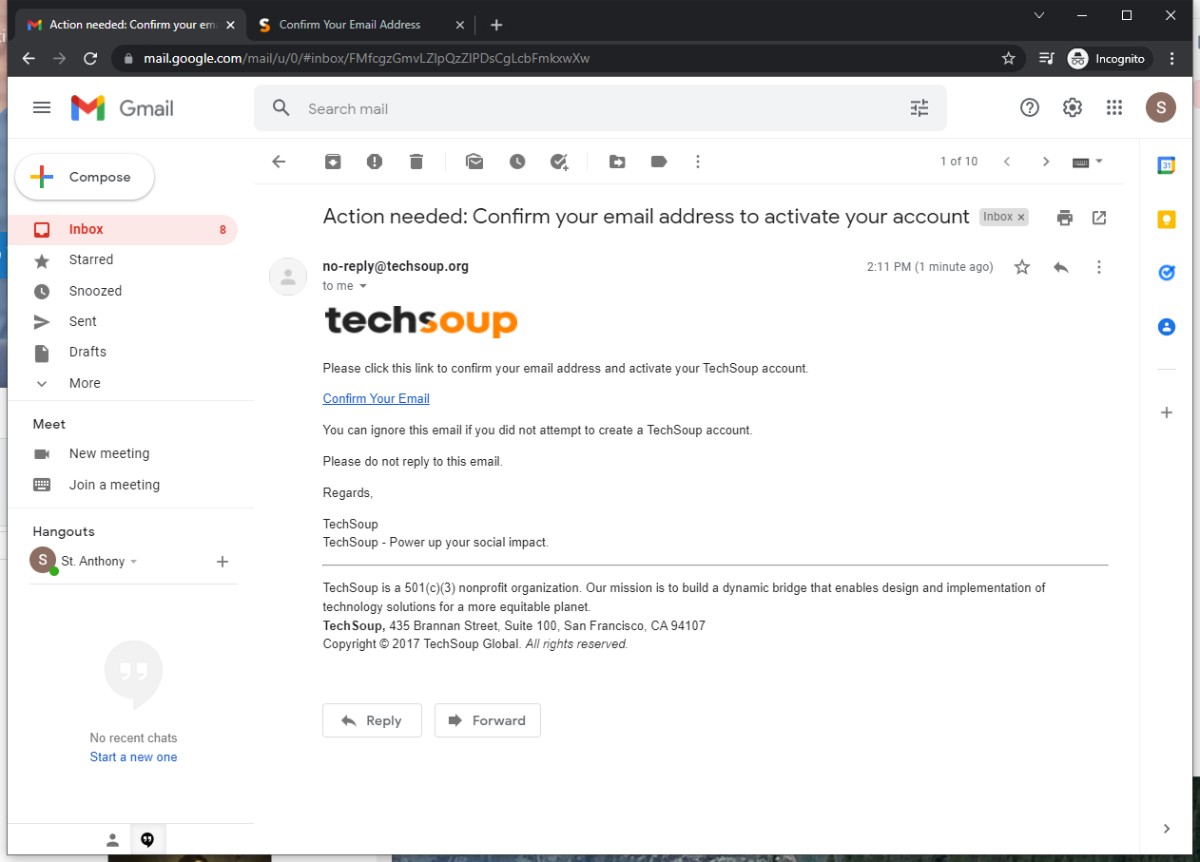
- Confirm Email
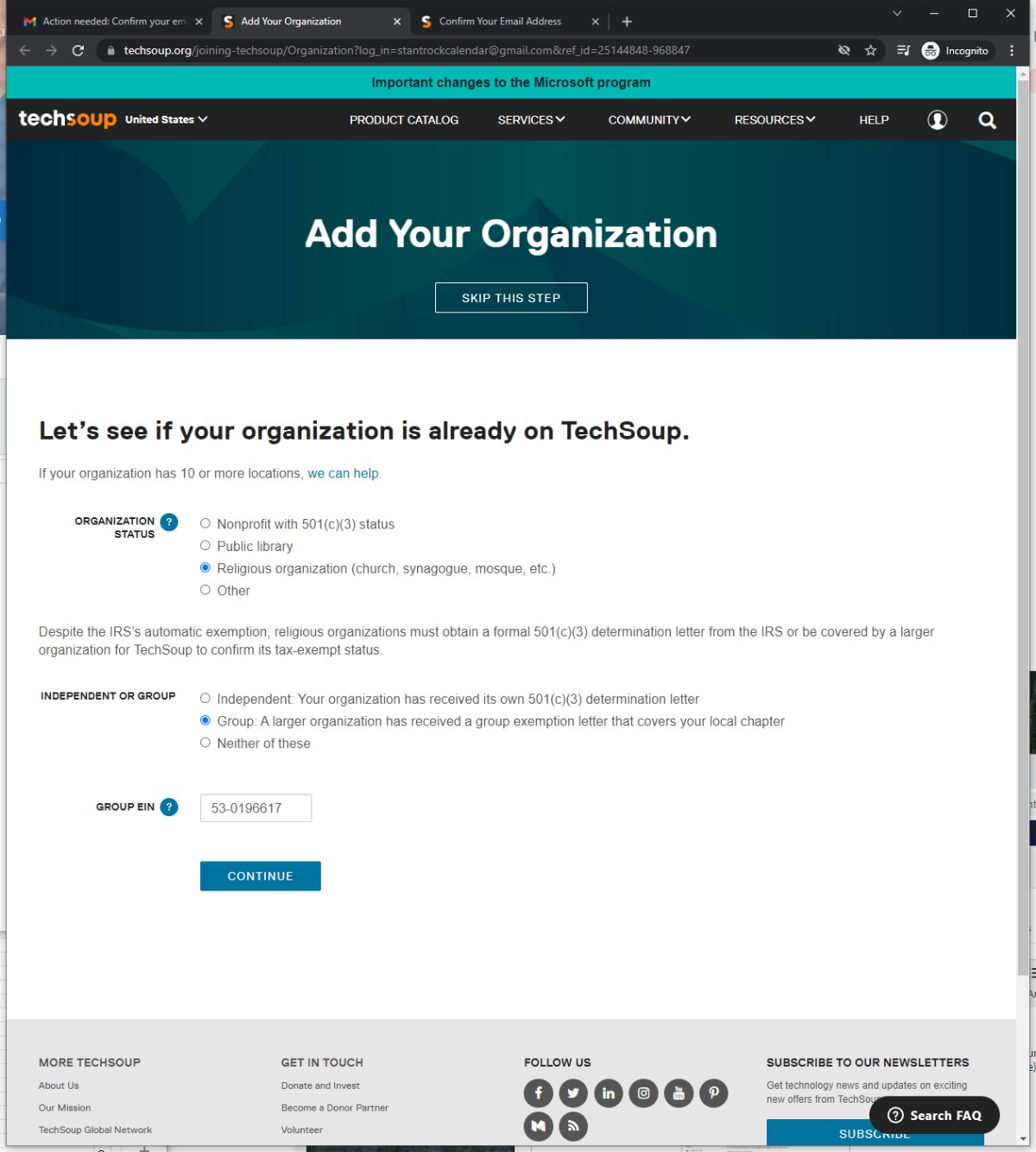
- USCCB EIN: 53-0196617
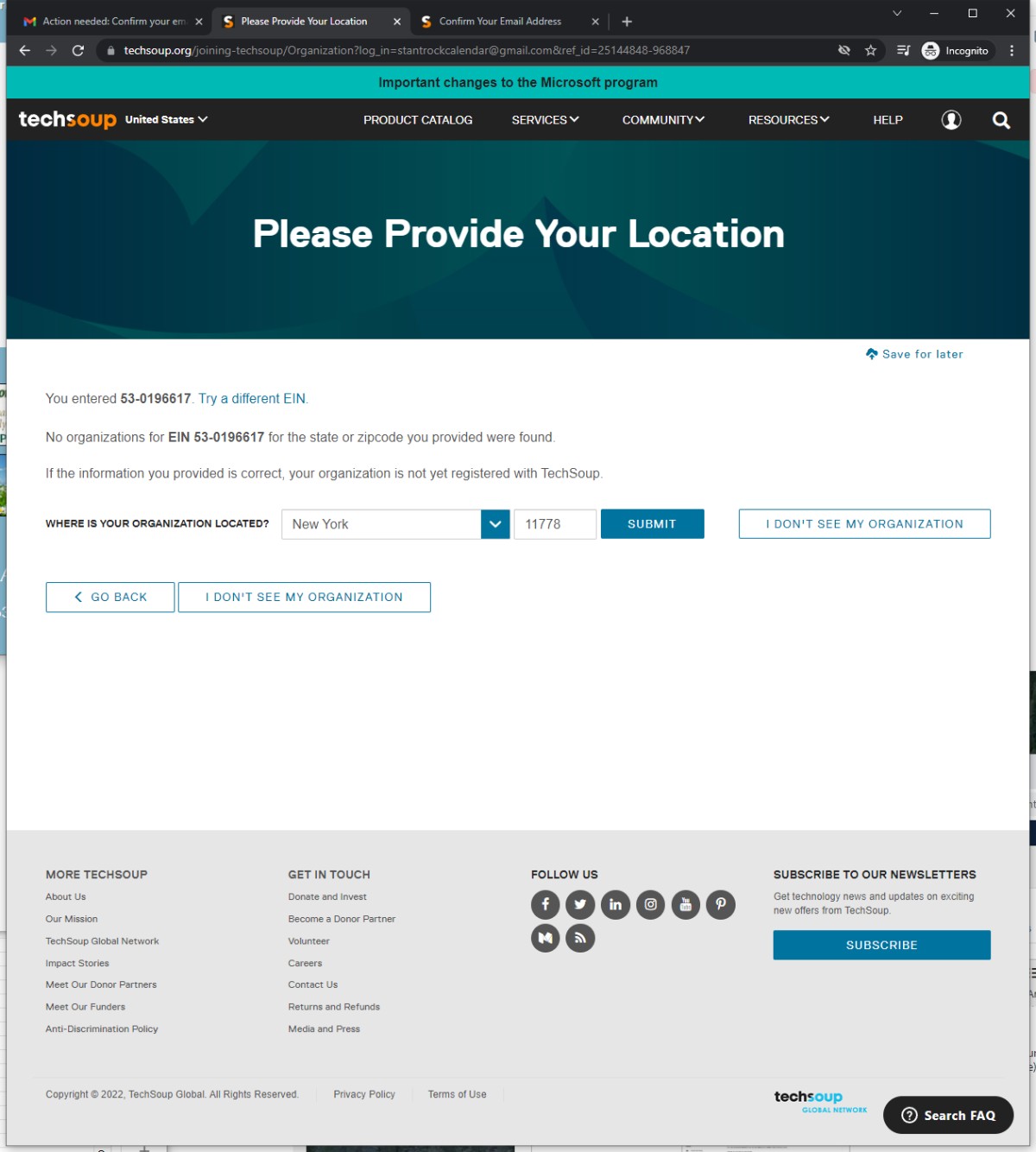
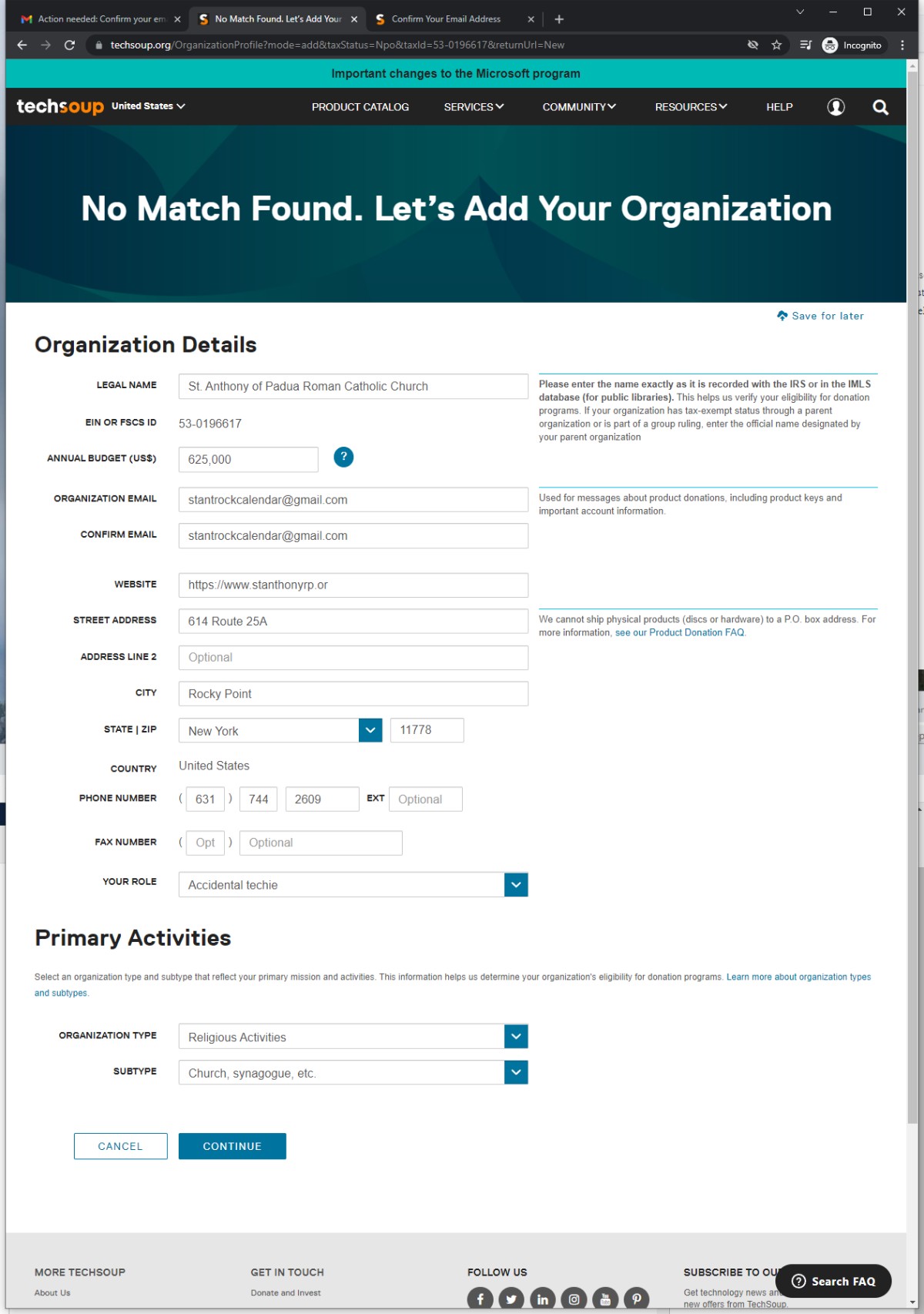
- You will need to add the Parish as a Tech Soup Organization. If the client has not already established a tech soup organization; can get all the details from their website. Type in a Guestimate of their overall budget
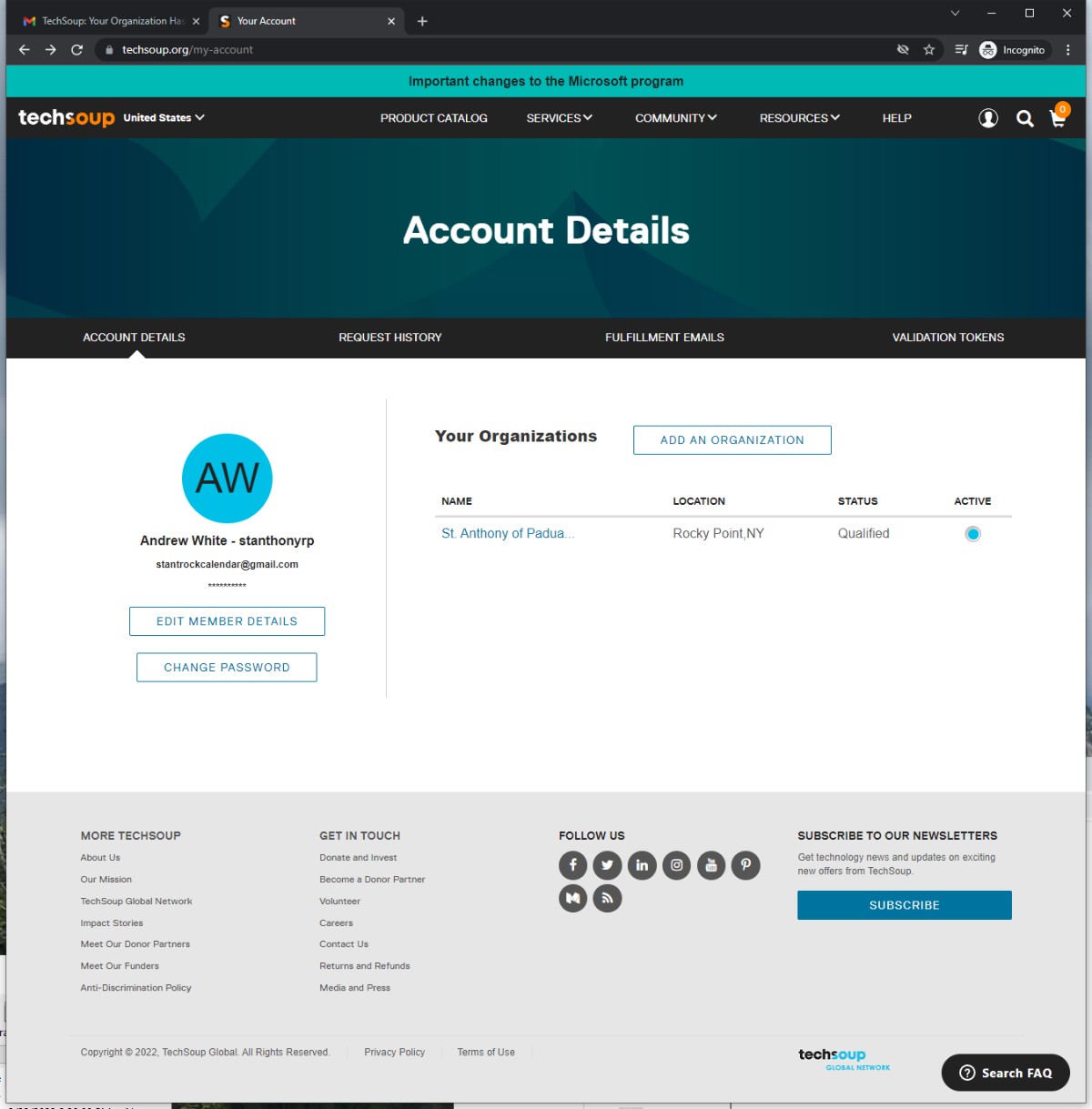
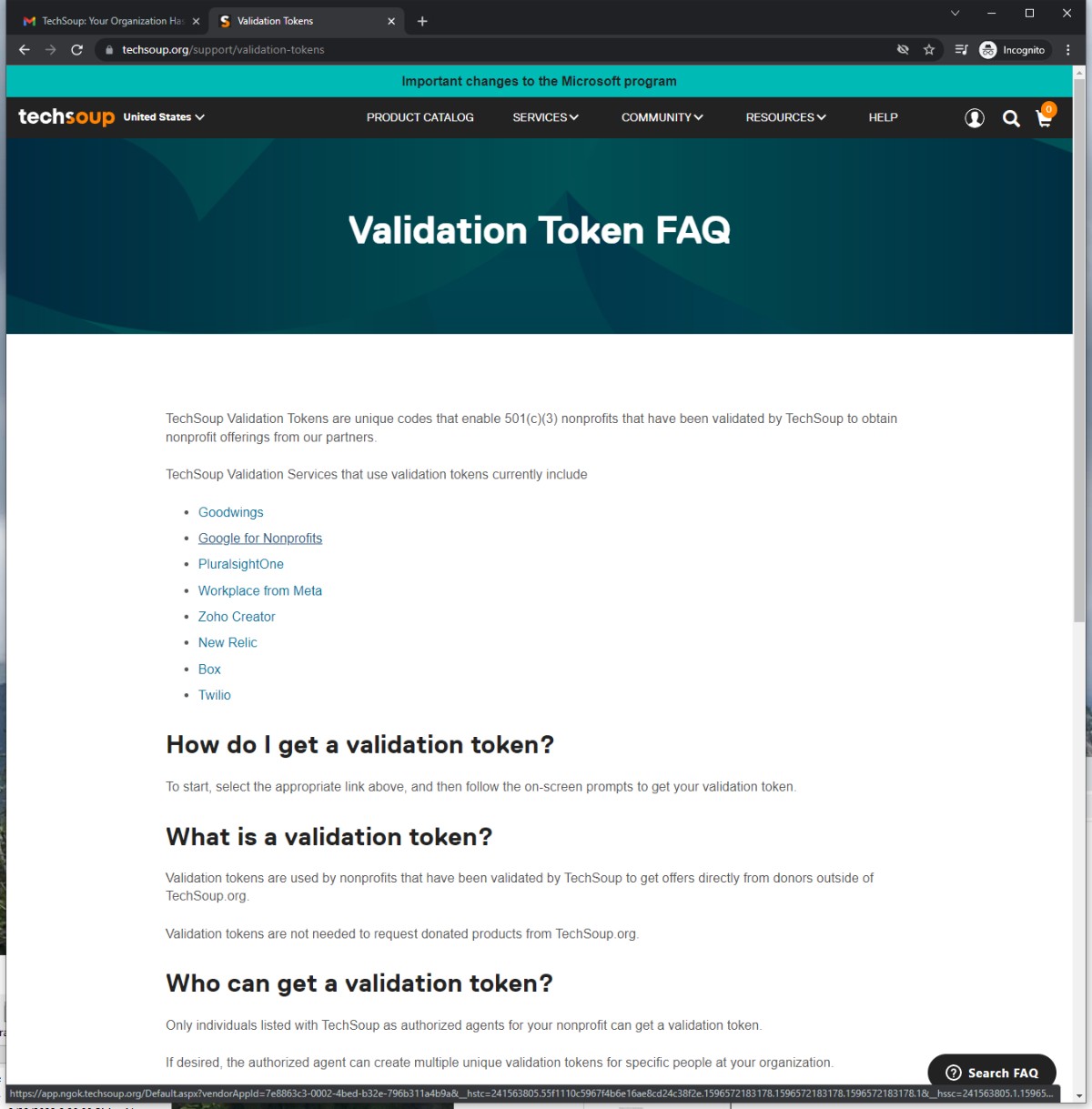
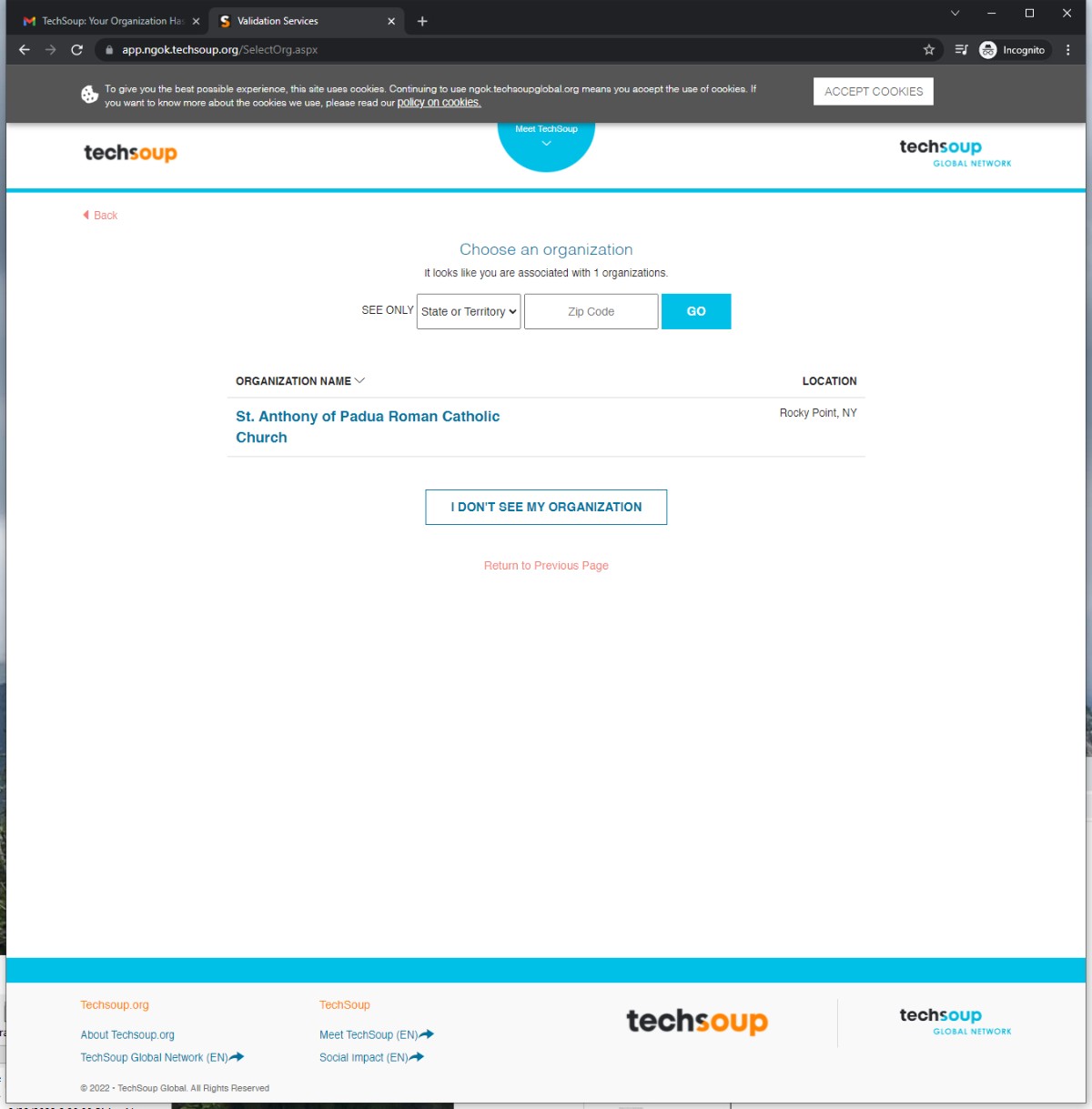
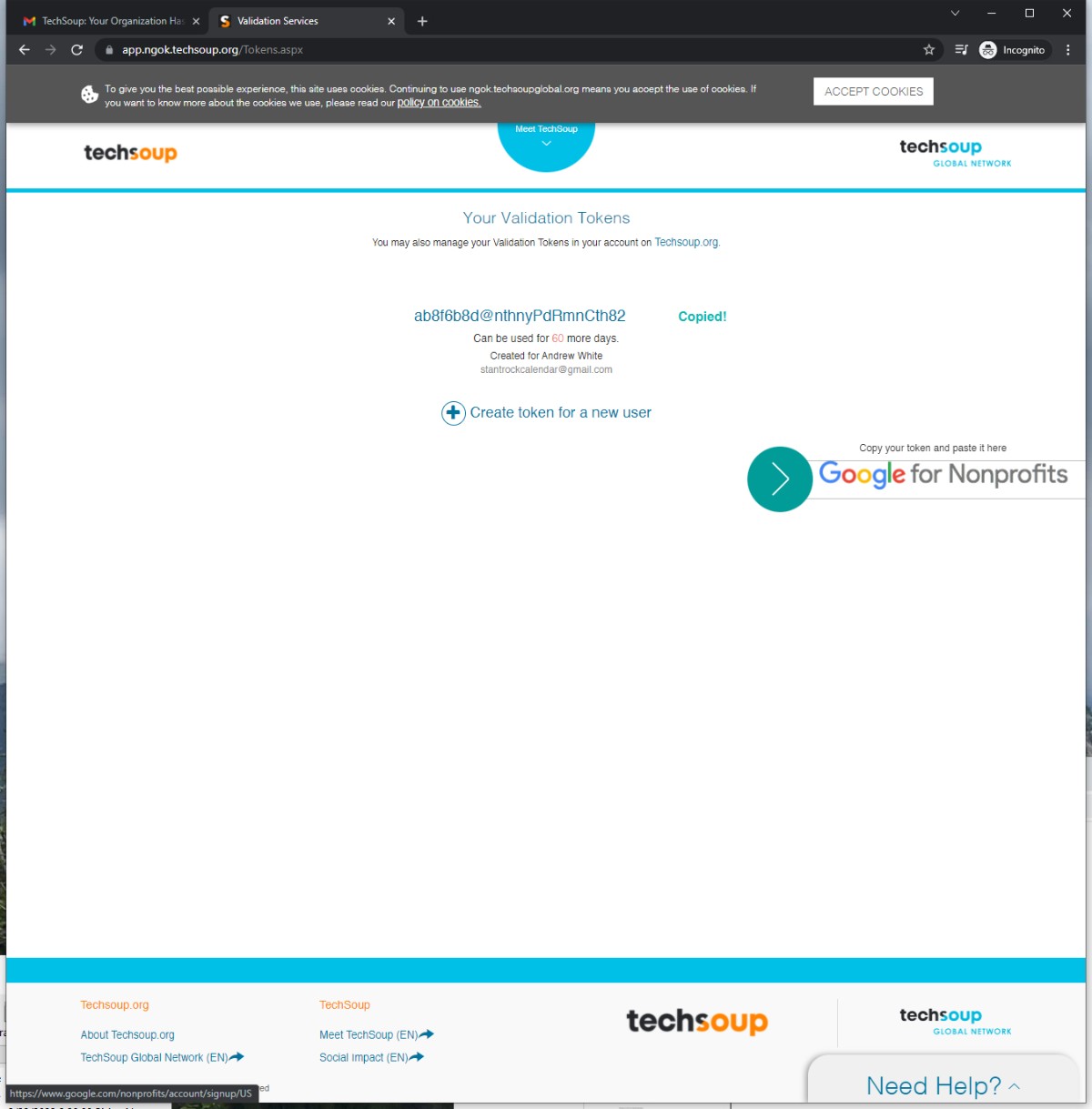
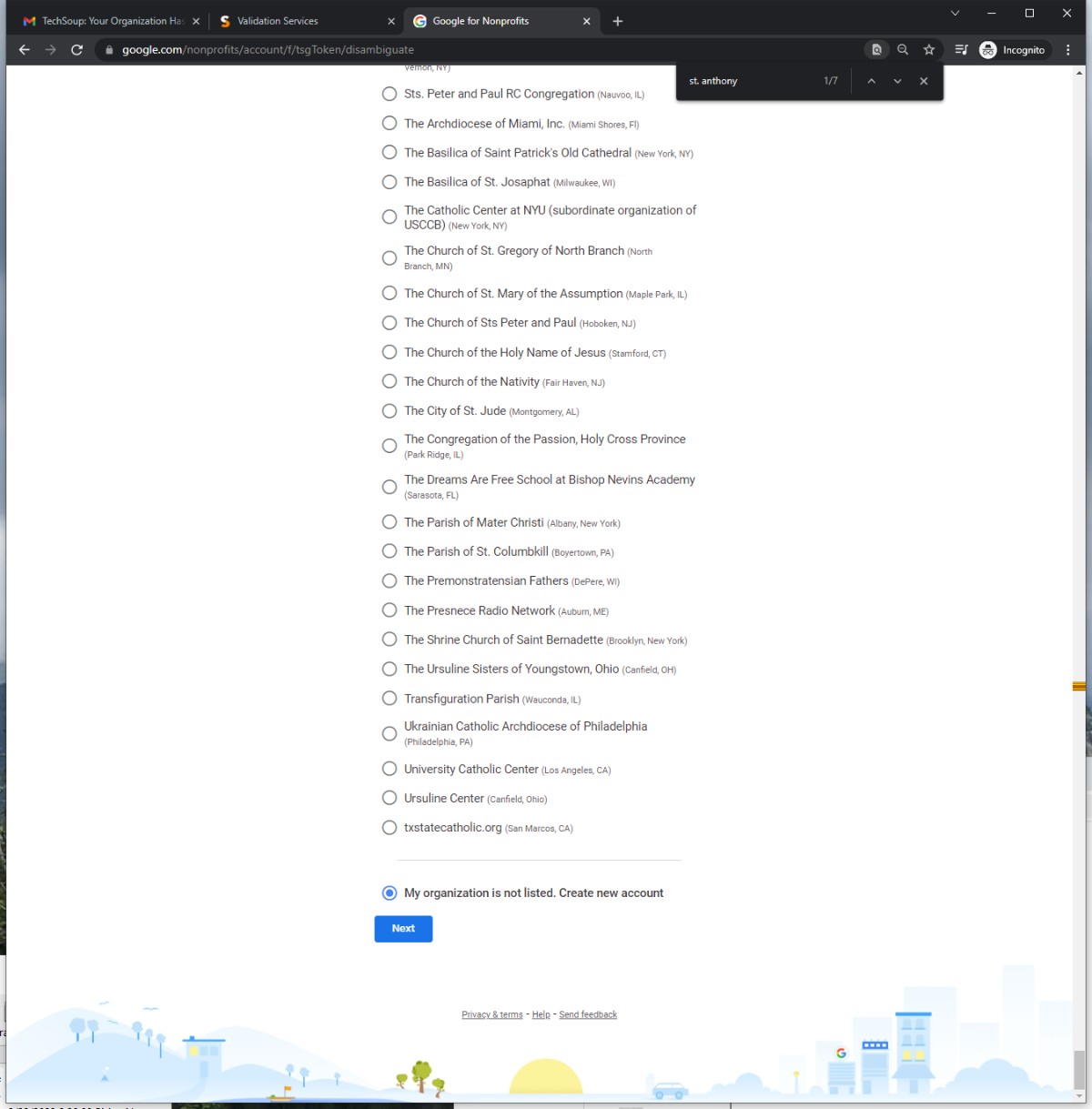
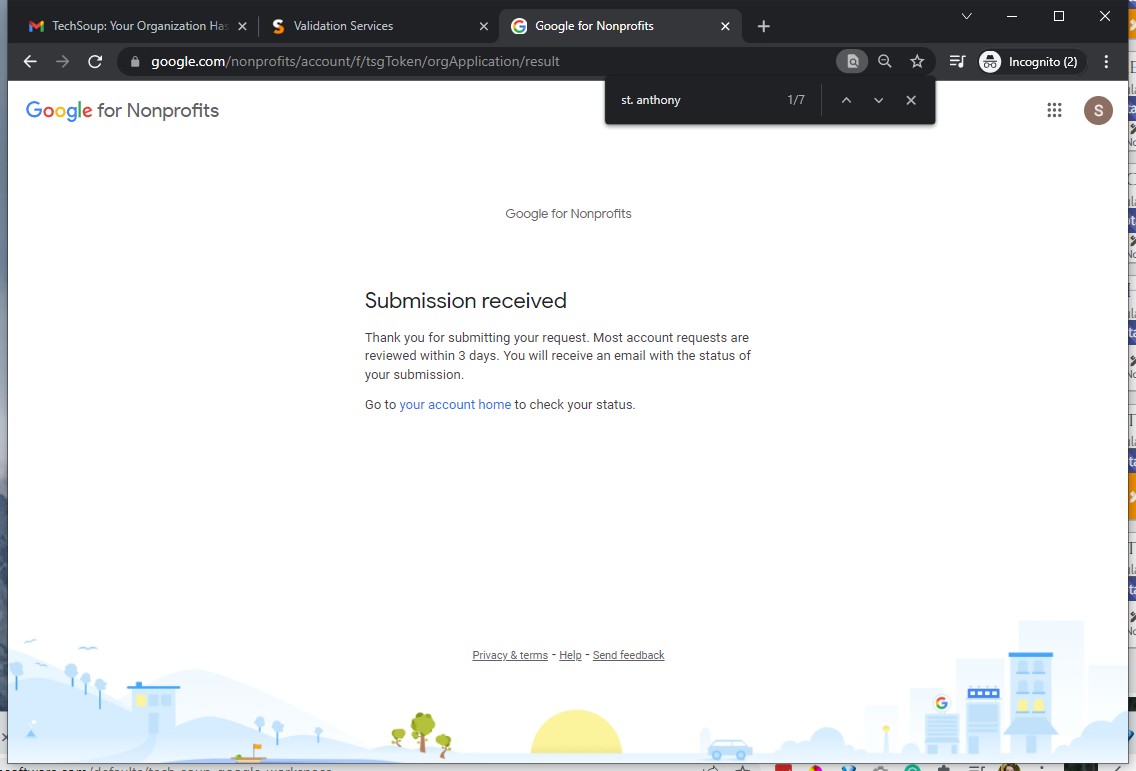
TechSoup
1) Google Account
2) Tech Soup account
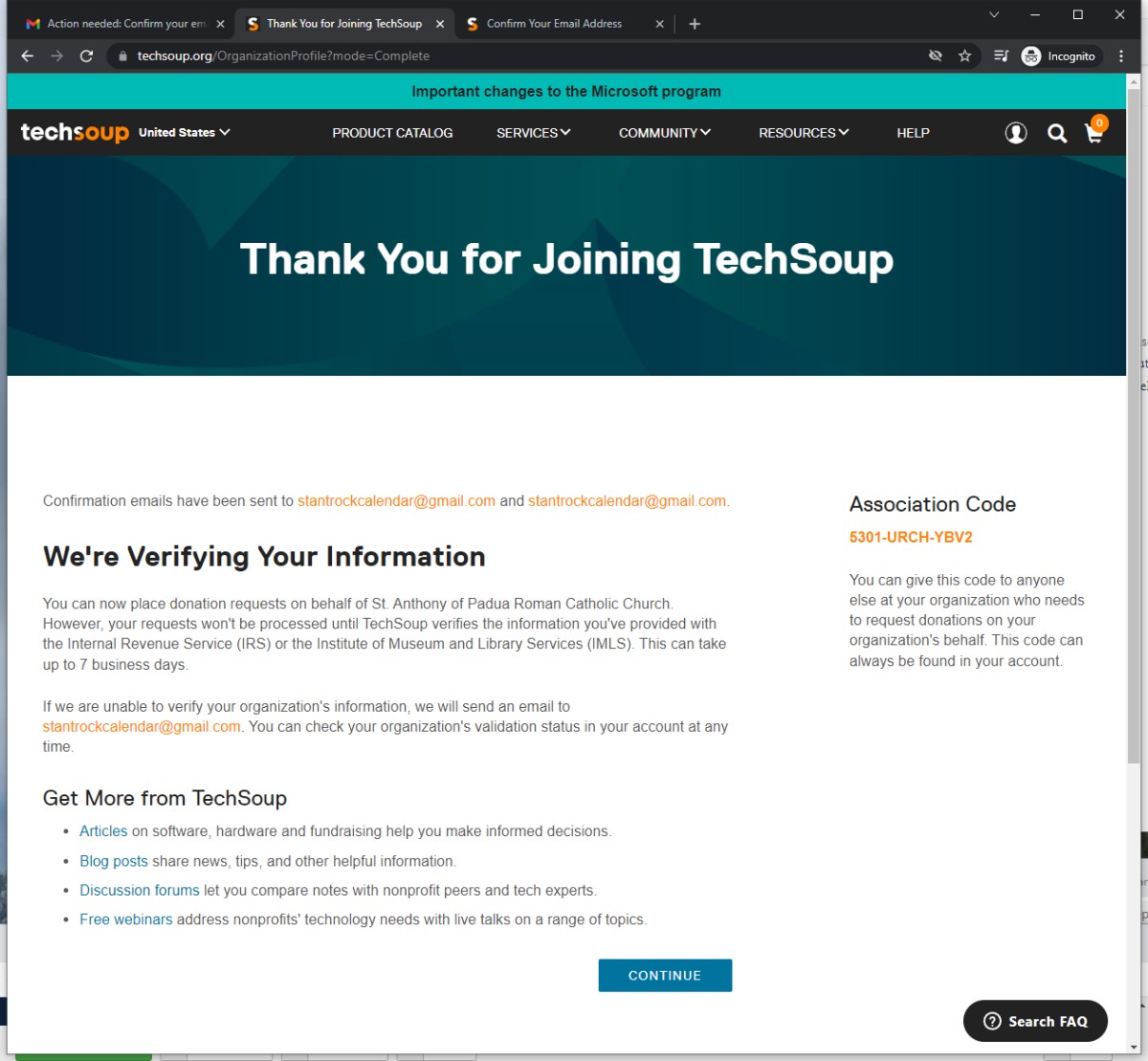
3) Tech Soup Organization
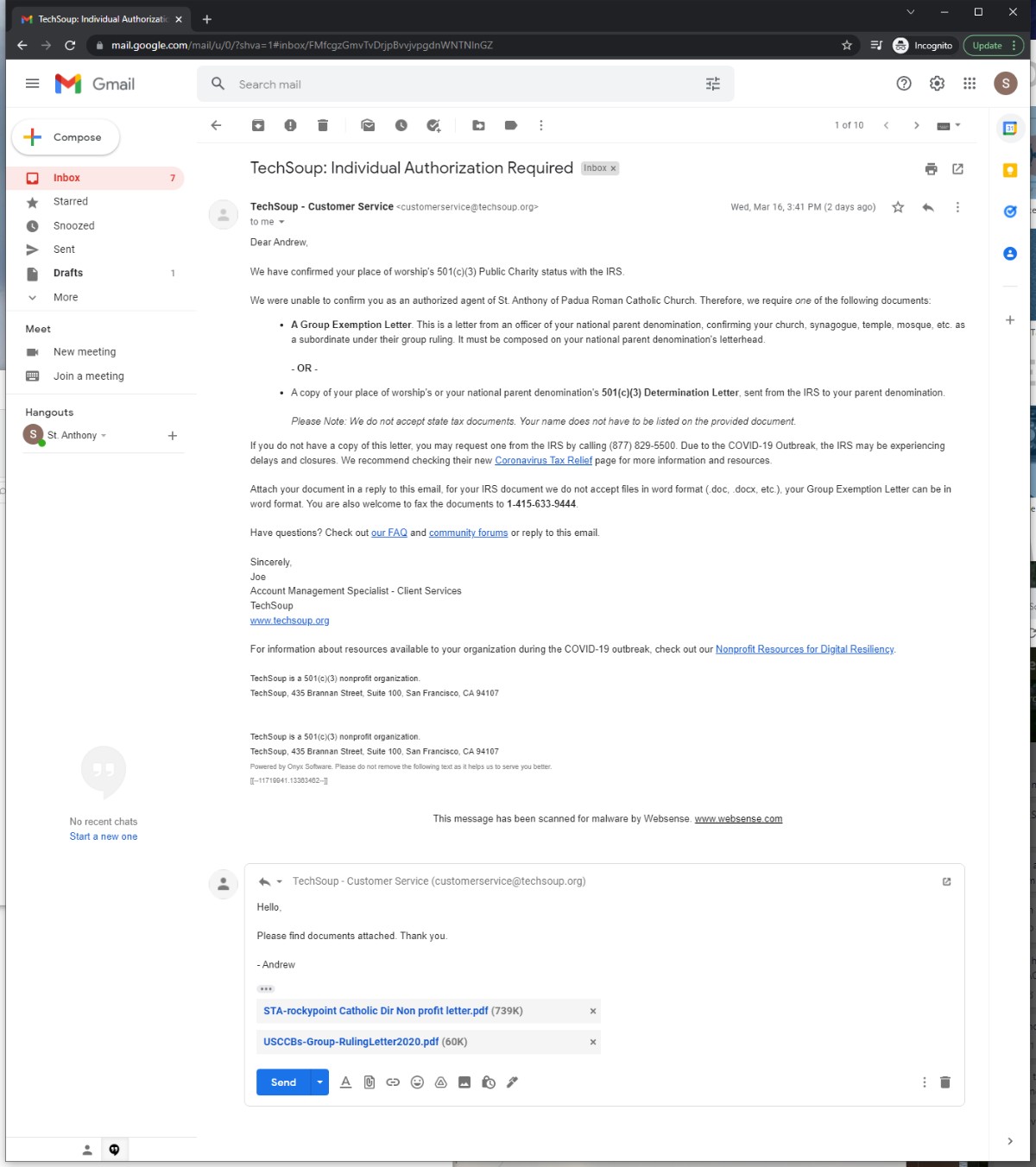
4) Documentation - IRS Letter & Catholic Directory PDFs
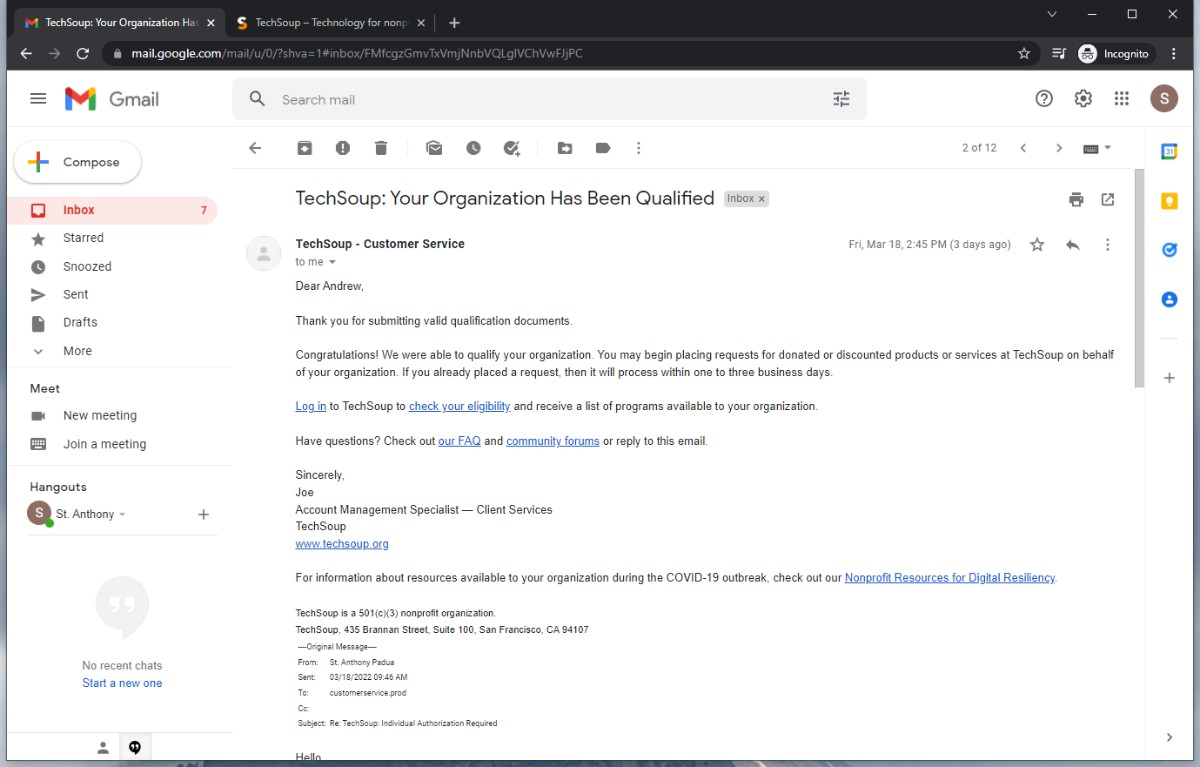
5) not profit status approval - validation token available
6) apply for GSuite non profit status
verify domain ownership
7) enroll in GSuite for non profit - here's where the solutio.admin@ will be set up
invite the client to be an agent on their tech soup account
Image Manager
- Details
- Jackie Riddel

- auto-extract (default)
- documents (default)
- galleries (default)
- library
- portrait (stock)
- landscape (stock) --- make these images the respective rotator ratio, retain name landscape (standard, wide & superwide will be uploaded in the clones - remove what is not used, rename to landscape)
- square (stock)
- parish-pics (they provided)
- rotator
- news
- school (they provided)
- seniorsfirstday (example)
- delineation as desired
- staff
- template
- hero
- logos
- quicklinks
Images can only be uploaded 100 at at time
Bulkresize --- the images they provided to max 1600px dimension and upload to their parish or school folder
Remove anything in parenthesis
Folder names -- no capital letters, no spaces
updated 9.9.2022
Defaults
- Details
- Tori Schippers

Defaults & Setup
- Details
- Tori Schippers