


Example:
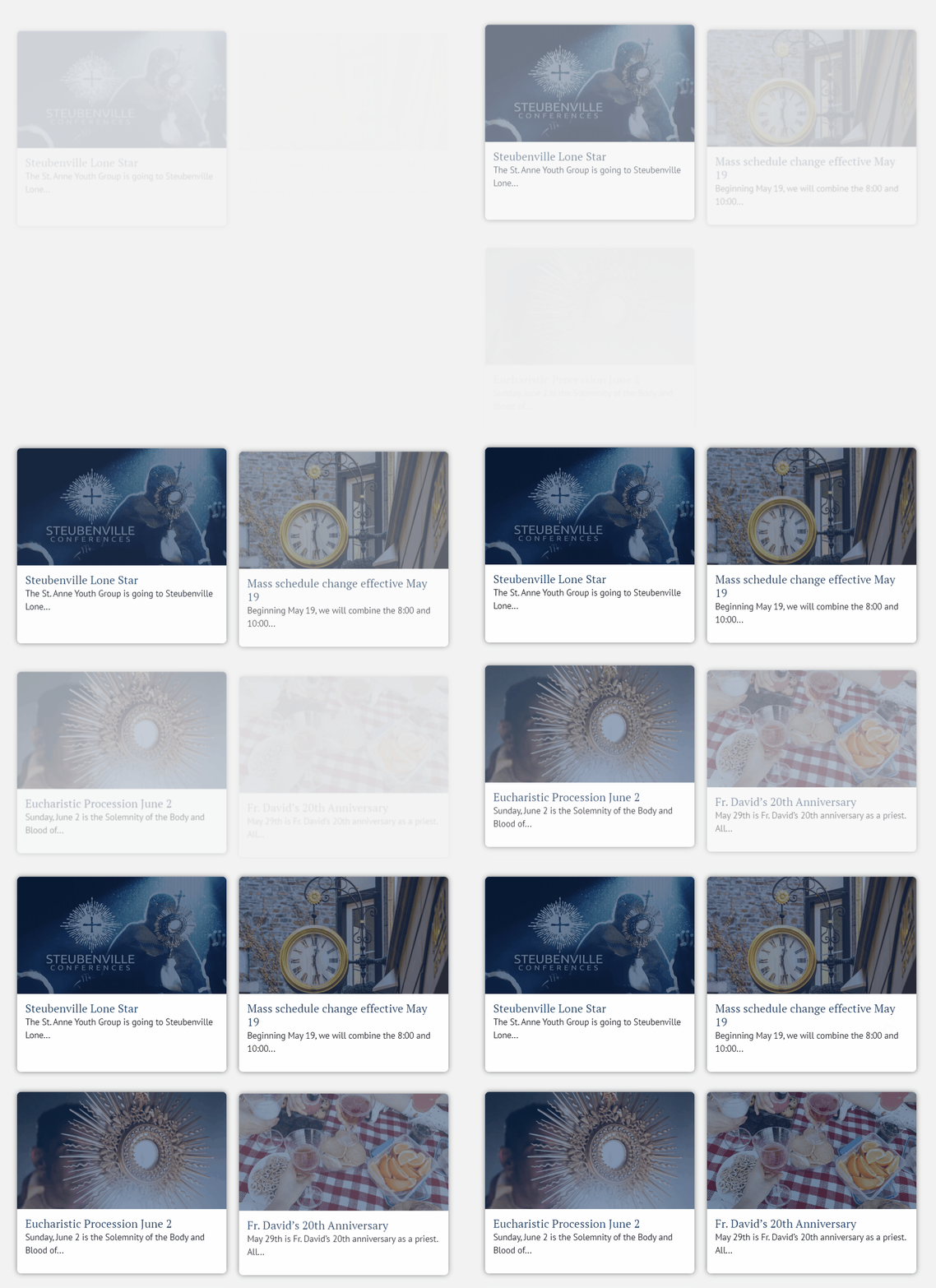
How to Set it Up
This currently only works with headlines.
requirements:
particle.js
particle.css
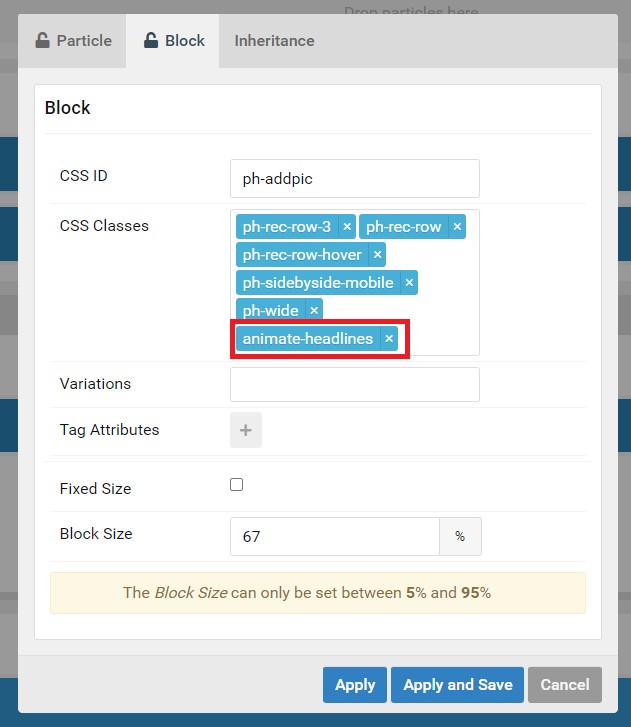
1. add the animate-headlines class to the headlines particle
animate-headlines
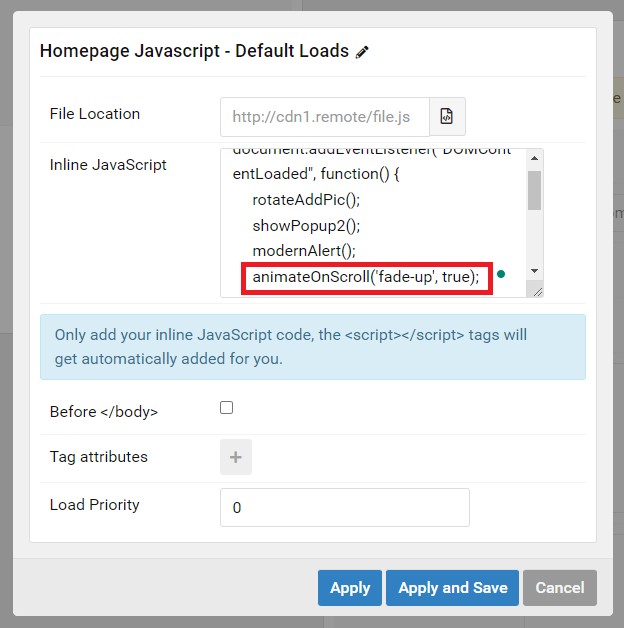
2. Add the Javascript to the outline and select which animation you want.
You can set the second parameter to false if you want the animation to play multiple times.
slide-in, fade-up, or zoom-in
animateOnScroll('fade-up', true);
Making new Animations
All the animations are managed in CSS. The javascript will add and remove the animation class depending on what is put in the function when it is called.
animateOnScroll('example-animation-class', true);
Here is an example of how an animation class is created.
Coding a new animation:
@keyframes example-animation-class {
from {
opacity: 0;
filter: blur(1px);
transform: translateY(30px);
}
to {
opacity: 1;
filter: blur(0);
transform: translateY(0px);
}
}
Tell the .g-grid what to do
.g-joomla-articles:has(.example-animation-class) > .g-grid:nth-child(1) {
animation: example-animation-class 1s ease-in-out 0ms forwards;
}
As you can see in the code this uses the :nth-child() selector because each child has a different delay applied so the animation is staggered. This is not required.
Add your new animation class to this selector in particle.css
div:has([class*="animate-"]) .g-joomla-articles > .g-grid:not(.hidden-element, .fade-up, .zoom-in, .slide-in, .example-animation-class) {
animation: show-element 750ms ease-in-out forwards;
}
This ensures that the paginated articles have a basic animation. The custom animation will not work when paginating to more articles.
Set the initial opacity of the class to 0
.fade-up, .zoom-in, .slide-in, .example-animation-class {
opacity: 0;
}
This hides it on page load. The animation being set to 'forward' is what ensures it keeps the ending styles of the keyframes animation.
if it is not set to forward the element will go back to opacity: 0;.