If we have the domain, can launch site from domain manger.
If they have the domain, launch instructions should have been sent already (email draft below)
Enable HTTPs on the domain after records have propagated through (use Putty to check)
may also need to enable https on the redirect
Lori to Tweet about Site Launch == send out slack message to All Solutio that site is launched with domain name (maybe site code) and a screenshot of the live site
Google Calendar reminder - transition to support fees calendar item in B/S Team (so Andy can see it) with a notification 2 weeks prior to the transition date. Usually 3 months for a paid site. Jackie sends email 2 weeks prior to client. (email draft below)
check file and remove URLs of pages that won't remain (i.e. specific bulletins or headlines)
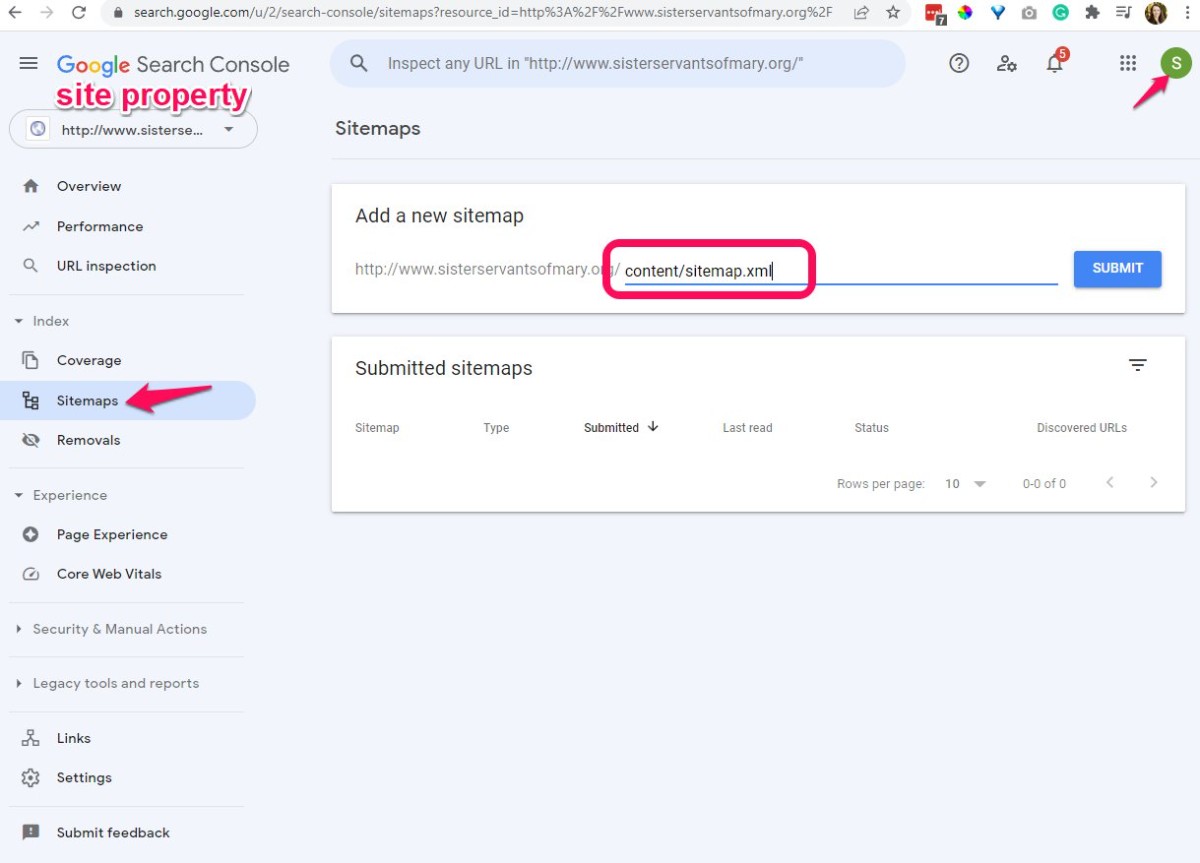
upload to /content/sitemap.xml for a site in cyberduck
Visit search.google.com -- with This email address is being protected from spambots. You need JavaScript enabled to view it. account and submit to the property
Notify Client of launch
send an email to client -- usually the same email(s) that followup training email goes to (email draft below)
Input contacts into Email List
most all users who were at training can be input into this list: EMAIL LISTS
can reference Master Contact List spreadsheet to check for updates to existing site client list